Portfolio case study

DealWatch: Mobile commerce price monitoring platform

A multi-surface price-tracking and deal-alert platform that helps shoppers search products, save buying intent, receive push notifications, move into subscription plans, and gives operators admin controls for users, roles, and plan management.

Name changed to respect NDA.

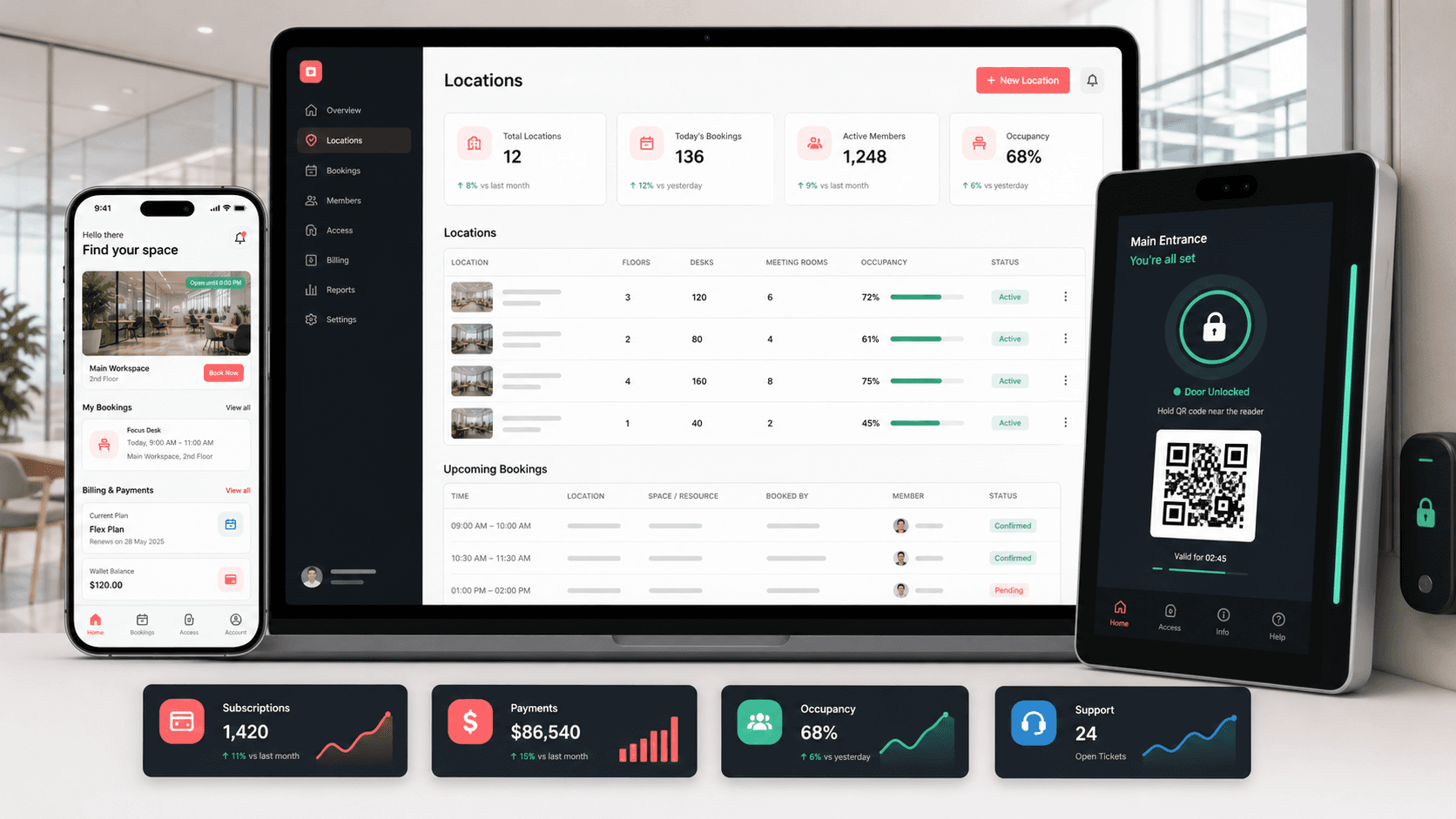
Price tracking platform visual with mobile search results, saved alert toggles, subscription plan cards, admin controls, and API status panels
Project scope

Native iOS app, React admin console, ASP.NET Core API, push notification, saved search, subscription, and account workflow delivery

3
connected product surfaces
4
core user loops
Push
deal alert channel
Plans
subscription and admin controls

Timeline

Multi-surface mobile commerce utility build with backend and operations tooling

Deal discovery needed to become proactive

The product needed to move shoppers beyond one-off searching by giving them a structured way to express purchase intent, watch price changes, receive alerts when a saved query became useful, and let operators manage the account and plan layer behind the experience.

  • Shoppers needed quick search by keyword with budget and location constraints
  • No-result moments needed a path into saved alerts instead of becoming dead ends
  • Subscription limits and upgrades had to be visible inside the app experience
  • Administrators needed user, role, subscription, status, and profile controls without entering the shopper-facing app

A connected mobile, API, and admin platform for deal monitoring

DealWatch turns search activity into a recurring deal-monitoring loop, supported by a native iOS app, ASP.NET Core APIs, saved queries, push notification registration, product notifications, plan management, and a React admin console for operator control.

  • Search screens combine keyword, price-range, and location filters with product result cards
  • Saved query workflows capture keyword, minimum price, maximum price, place, and notification preferences
  • Product notification controls let users review saved alerts and turn alert delivery on or off
  • Admin screens expose users, roles, subscription plans, profile details, and account status so monetization and support can be managed outside the mobile app

Product surfaces

What the platform brought together

The work spanned core product operations, daily user workflows, data-heavy coordination, and resilient platform management.

Product search and filtering

The main mobile loop lets shoppers search for products and constrain results by price and location.

  • Keyword search field with clear-state behavior and filtered result refresh
  • Budget picker for price bands and a location picker for market constraints
  • Result cards with title, price, image loading, and empty-state handling

Saved search alerts

Empty or repeated searches can become persistent watchlists that notify the shopper later.

  • Saved query payloads include keyword, min/max price, place, and notification state
  • Product notification list displays saved keywords and per-alert toggle controls
  • Push notification registration connects device identity to account-level alert delivery

Subscription and upgrade flow

Plan screens make search limits, premium alerts, and upgrade prompts visible without forcing users out of the mobile app.

  • Current and inactive plans are separated into clear mobile sections
  • Upgrade prompts appear when search limits or premium alert features are reached
  • Plan-switching API integration supports subscription changes from the app

Account and support controls

Core account flows keep the utility app usable after sign-up by covering profile, password, notification, and data controls.

  • Authentication, registration, forgotten password, and password-change workflows
  • Profile retrieval, logout, account deletion, and settings navigation
  • Notification feed and product alert settings available from the same tabbed app shell

Admin and backend operations

The operating layer gives the product team authenticated APIs and admin screens for the account, role, subscription, notification, and search-limit logic behind the mobile experience.

  • ASP.NET Core controllers support product search, saved queries, notification records, subscription types, plan switching, roles, files, login, and user profiles
  • React admin screens list, search, paginate, add, edit, block, and assign users to roles and subscription plans
  • JWT-protected API paths, repository models, and admin-only subscription controls keep plan and account changes server-backed

Module depth

Dedicated product blocks for the highest-value workflows

For large platforms, the conversion story depends on showing how each major module solves a specific operating problem, not only listing features.

Revenue loop

Search limits become upgrade moments

When shoppers hit free-search limits or premium alert needs, the app can shift them into a plan-selection workflow without losing the purchase-intent context.

Source evidence includes search, saved query, subscription type, plan detail, and switch-plan API flows.

  • Search failure and usage-limit states connect to upgrade prompts
  • Subscription APIs retrieve available plans and plan details
  • Plan-switching calls support a direct route from alert value to monetization

Retention loop

Saved queries keep shoppers coming back

The app preserves purchase intent as saved alerts, giving users a reason to return when matching deals or price movements appear.

Source evidence includes saved-query request models, product notification screens, toggle handlers, and push subscription handling.

  • Saved query creation stores terms, price boundaries, location, and notification preference
  • Saved alert toggles let users tune notification volume
  • OneSignal integration connects app installs to push delivery

Operations layer

User And Plan Controls Stay Outside The App

Operators can manage account status, roles, profiles, and plan assignments from a dedicated console while the mobile app stays focused on shopper workflows.

Source evidence includes React admin routes and user screens plus ASP.NET Core user, role, subscription type, and user-plan controllers.

  • User lists support search, status badges, pagination, and drill-in profile editing
  • Profile forms connect role, blocked status, subscription plan, contact details, and registration context
  • Subscription type and switch-plan APIs keep monetization rules controlled by the backend

Buyer priorities

What mattered most to the people evaluating the platform

Prospective buyers want to know whether the work solved real workflow, adoption, reliability, data, and operations problems. These priorities shaped the product decisions.

Faster purchase intent capture

The first useful action had to be a quick product search, not a long onboarding or catalog setup process.

  • Keyword, price, and location filters reduce search friction
  • Empty-state messaging points users toward alert creation
  • Result cards keep product comparison lightweight on mobile

Notification-driven retention

A deal-alert product only works if users trust and control what notifications they receive.

  • Saved alert toggles keep notification preferences user-controlled
  • Device push registration connects alert delivery to authenticated users
  • Notification screens give users a place to revisit activity and product alerts

Simple monetization

Subscription prompts needed to feel tied to actual user value: more searches, better alerts, and premium monitoring.

  • Current-plan and upgrade-plan sections clarify account state
  • Usage-limit prompts connect plan upgrades to alert value
  • Plan APIs keep subscription state server-driven and easier to change later

Operator visibility

The product needed a lightweight operations console so support and subscription changes did not require database access or mobile impersonation.

  • Admin search and pagination make user lists manageable as account volume grows
  • Role and plan selectors keep profile edits connected to product permissions and billing tiers
  • API-level authorization protects plan and subscription changes from ordinary shopper workflows

System model

How the platform connects roles, workflows, and product surfaces

The product architecture brings every role into the same operating model, with shared data moving cleanly between web, mobile, media, and notification layers.

Search to alert loop

A workflow view connects keyword search, price and location filters, empty-state prompts, saved queries, and push alerts.

Three mobile roles

Shoppers, subscription customers, and support operators each depend on a different part of the same alert platform.

Mobile alert architecture

The iOS app, REST API, saved-query model, admin console, subscription service, and push notification provider work together to deliver deal alerts.

Technology

The Stack We Used And Why

The stack section is written for buyers who need to understand the product architecture, operational trade-offs, and long-term maintainability of the system.

Native iOS app

Used for the mobile-first shopper experience, tab navigation, screen controllers, table views, forms, search results, saved alerts, and subscription screens.

SwiftUIKitXcodeStoryboardCocoaPods

Mobile API integration

Used for account, search, saved query, product notification, subscription, and plan-switching workflows.

URLSessionJSONDecoderBearer authREST APIsCodable models

Backend API

Used for authenticated product search, saved-query persistence, notification records, subscription types, plan switching, user profiles, roles, and operational data access.

ASP.NET CoreC#JWT bearer authRestSharpSwaggerRepository pattern

Admin console

Used for user search, profile editing, blocked status, role assignment, subscription assignment, and operator access to account controls.

ReactTypeScriptCoreUIReact RouterAxiosReact Hook Form

Notifications and engagement

Used to register devices, support product alerts, and keep saved search activity connected to returning users.

OneSignalPush notificationsDevice player IDsNotification service extension

Mobile experience layer

Used for product imagery, forms, loading states, toasts, keyboard handling, and lightweight feedback.

SDWebImageIQKeyboardManagerSwiftToast-SwiftKRProgressHUDSwiftyJSON

Why Native iOS

A deal-alert utility depends on fast input, familiar mobile controls, and reliable notification behavior.

  • UIKit controllers mapped cleanly to search, settings, subscription, notification, and account flows
  • Native table views kept result lists, plans, and settings screens simple and responsive
  • System push notification hooks supported retention-critical alert delivery

Why Server-Driven Plans

Subscription limits, upgrade options, and account assignments need to change without forcing an app redesign.

  • Plan APIs let the app render active and inactive subscription options from backend state
  • Switch-plan calls created a path from free usage to premium alerts
  • Admin profile controls let operators review and change role, status, and subscription context when needed

Why Saved Query APIs

The product value lives in turning a user search into durable purchase intent.

  • Saved query payloads captured the exact search criteria needed for future matching
  • Notification toggles let users tune alert behavior after saving a query
  • Search, saved query, and product notification models kept the retention loop explicit

Delivery

How the product came together

The work moved from domain modeling to core platform delivery, mobile adoption, and operational hardening.

1

Shape The Search Loop

Define how shoppers enter intent, narrow results, and move from one-off browsing into saved monitoring.

2

Connect Alerts And Notifications

Add saved-query APIs, product notification screens, device registration, and alert preference toggles.

3

Add Account And Plan Workflows

Support login, registration, profile settings, password flows, subscription views, upgrade prompts, and operator account controls.

4

Harden The Mobile Experience

Use lightweight loading, image caching, keyboard handling, empty states, and toast feedback to keep the utility quick.

Operational depth

What made the platform usable after launch

The strongest case studies are not only feature lists. They show how the system is operated, monitored, governed, and improved when real users depend on it.

Saved alert control

Users can create alert criteria and later decide which saved searches should continue sending notifications.

  • Keyword, price boundary, location, and notification fields are stored together
  • Product notification rows expose individual alert toggles
  • Toggle changes call the API so preference state stays server-backed

Subscription-aware UX

The app can separate current plans from upgrade options and use search-limit states to explain why premium alerts matter.

  • Plan screens render current and inactive plan sections
  • Upgrade prompts can appear after usage-limit conditions
  • Plan switching is handled through an authenticated API path

Mobile account lifecycle

The utility includes the practical account controls needed for a recurring alert product.

  • Registration and login persist authenticated app state
  • Settings expose profile, password, subscription, product notification, sign-out, and delete-account flows
  • Forgotten password and change-password screens support account recovery

Backend and admin governance

Account, subscription, saved-query, and notification behavior is backed by authenticated API endpoints and an operator-facing admin console.

  • Search limits and subscription state are enforced on the backend before product search results return
  • Saved-query and notification APIs keep alert state tied to the authenticated user
  • Admin user screens support profile review, role assignment, subscription assignment, blocked status, and paginated account lists

Results

The measurable and observable lift from the work

The strongest improvements are the ones a buyer can connect to daily work: fewer disconnected tools, safer operations, clearer workflows, and more reliable product behavior.

3 surfaces

Platform Coverage

A native iOS app, ASP.NET Core API, and React admin console cover shoppers, backend rules, and operations.

Recurring

Deal Monitoring

Saved queries let a single search become an ongoing alert rather than a one-time session.

Controlled

Notifications

Users can manage which product alerts remain active, reducing notification fatigue.

Monetizable

Alert Value

Subscription screens and upgrade prompts connect premium plans to high-intent shopping behavior.

Outcome

A stronger operating system for price tracking, saved search, and deal alert platform

The platform reduced tool fragmentation and gave each role a clearer path from live activity to day-to-day action.

A native Swift iOS app for search, price filtering, location filtering, product result cards, saved alerts, product notifications, subscriptions, account settings, and push registration

An ASP.NET Core backend for authentication, profile retrieval, password changes, product search, saved queries, notification toggles, subscription types, plan details, plan switching, and user operations

A React admin console for user lists, search, pagination, profile editing, blocked status, roles, and subscription assignment

A retention loop that turns no-result searches and repeated buying intent into saved product alerts with user-controlled notification preferences

A public-safe portfolio page that positions the work around mobile commerce, backend deal monitoring, admin operations, subscription upgrades, and push alert engagement without exposing real app names, API hosts, source screenshots, or private repository details

FAQ

Frequently Asked Questions About DealWatch

Answers about the price tracking, saved search, and deal alert platform scope, platform model, technology choices, operational workflows, and related build patterns.

What Kind Of Product Does This Case Study Represent?

It represents a price monitoring platform where shoppers search for products, save price and location criteria, receive alerts when matching deals become available, and operators manage account and plan controls from an admin surface.

Why Do Saved Searches Matter In A Deal Alert App?

Saved searches turn purchase intent into a durable signal. Instead of asking the user to repeat the same search, the app can monitor criteria and notify them when the market changes.

How Can Subscriptions Fit A Price Tracking Product?

Subscriptions can unlock more alerts, higher monitoring limits, faster notifications, advanced filters, or premium deal intelligence for users who rely on the app regularly.

Why Does A Deal Alert Product Need Admin Tooling?

Admin tooling helps operators review users, roles, blocked status, subscription assignments, and account details without making those controls part of the shopper-facing app.

Can This Pattern Support Other Shopping Verticals?

Yes. The same architecture can support marketplace monitoring, resale alerts, retail price tracking, inventory reminders, coupon alerts, travel fare alerts, or local availability monitoring.
Related services

Build a similarly ambitious product without starting from a blank page.

We can help scope the web, mobile, AI, media, and operating layers needed for your own platform.

Start a project inquiry