Portfolio case study

MailPilot: Email campaign delivery and operations platform

An email delivery operations platform that helps teams create campaigns, manage mailing lists, assign sender IP pools, throttle delivery, send test messages, track engagement, and supervise campaign status from one admin console.

Name changed to respect NDA.

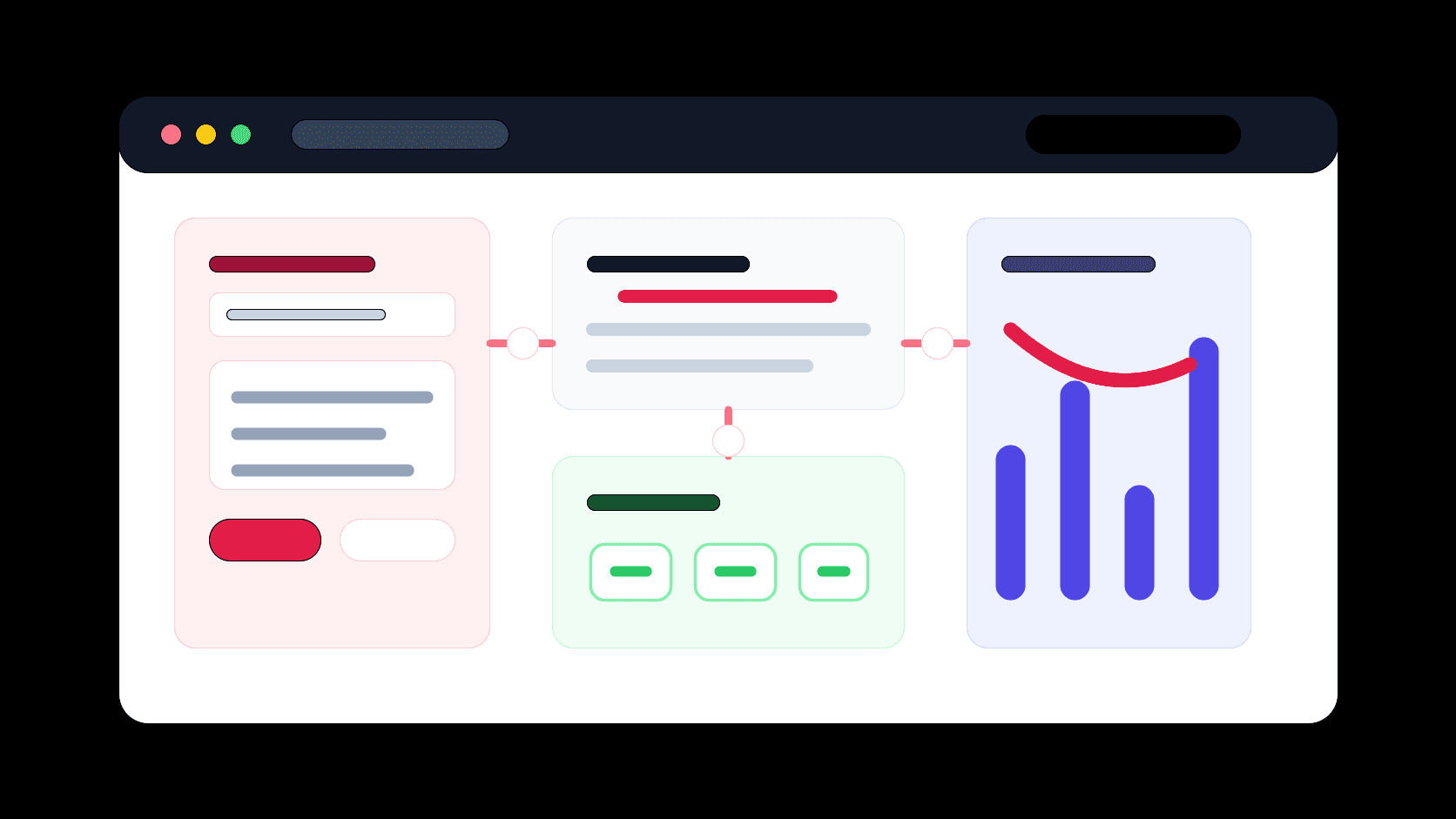
Email delivery operations platform visual with campaign builder, IP pool routing, delivery queue, and engagement analytics panels
Project scope

Admin console engineering, ASP.NET Core API development, campaign delivery workflows, mailing-list operations, sender infrastructure controls, and engagement tracking

5
operator work areas
100
records per delivery batch
3
engagement signals
SSH
delivery relay control

Timeline

Campaign operations build with delivery infrastructure and tracking workflows

Bulk email operations needed safer control than manual sending

The product needed to coordinate campaign content, mailing-list records, sender identity, IP selection, throttling rules, test sends, and engagement logs without asking operators to manage raw SMTP commands or server access directly.

  • Campaign teams needed one place to create messages, select audiences, assign sender IP lists, and manage campaign states
  • Delivery needed guardrails for paused, stopped, busy, sending, and finished statuses so operators could intervene during active sends
  • Open, click, and unsubscribe events had to feed back into campaign reporting and mailing-list hygiene
  • Sender infrastructure needed to stay configurable without exposing credentials or low-level relay commands in the admin UI

A controlled campaign console backed by a delivery API

MailPilot combines a React admin app with an ASP.NET Core API that manages campaign records, mailing lists, IP pools, throttling rules, test emails, and delivery tracking.

  • Admin routes for campaigns, campaign logs, mailing lists, IP lists, throttling rules, login, and edit workflows
  • Campaign builder with subject, sender, HELO, description, full-page HTML body editing, mailing-list selection, and IP-list selection
  • Delivery API that prepares tracked HTML, injects open pixels and rewritten links, sends through managed relay infrastructure, and records send activity
  • Status actions for play, pause, stop, process mailing list, copy, search, refresh, and campaign-log review

Product surfaces

What the platform brought together

The work spanned core product operations, daily user workflows, data-heavy coordination, and resilient platform management.

Campaign builder and lifecycle controls

Operators can create, edit, test, start, pause, stop, and monitor campaigns from the protected workspace.

  • Campaign forms capture subject, description, sender name, sender email, HELO, body HTML, mailing list, and sender IP choices
  • Action controls update campaign status and trigger mailing-list processing from the list view
  • A polling campaign table keeps operators aware of active delivery state and performance counts

Mailing-list and audience management

Audience records are managed through reusable mailing lists that can be searched, paginated, and connected to specific campaigns.

  • Mailing-list screens show list names, email counts, and active/inactive state
  • Campaign setup pulls mailing-list options with email-count context before sending
  • Unsubscribe handling updates recipient records so future sends can respect audience preferences

IP pool and throttling operations

Sender infrastructure is modeled as operator-manageable IP lists and throttling rules instead of hidden server configuration.

  • CSV upload workflows support sender IP list management
  • Campaign-to-IP assignments control which sender pools participate in a send
  • Throttling screens give operations teams a dedicated place to manage delivery pacing rules

Tracking and delivery feedback

The delivery API rewrites message content with tracking links, records sends, and updates engagement metrics for campaign review.

  • Open pixels update open counts when recipients load campaign messages
  • Redirect links count clicks before sending users to the original destination
  • Delivery logs record sent recipients, campaign IDs, mailing-list IDs, and timestamps

Module depth

Dedicated product blocks for the highest-value workflows

For large platforms, the conversion story depends on showing how each major module solves a specific operating problem, not only listing features.

Operations

Campaign Command Center

The admin app turns campaign setup and supervision into a repeatable workflow instead of a one-off technical send.

Source evidence includes routes for campaigns, campaign logs, mailing lists, IP lists, throttling, campaign detail forms, polling list views, and status action controls.

  • Operators can move from campaign creation to send control without switching tools
  • Campaign rows expose sent, open, click, unsubscribe, and status data at a glance
  • Search, refresh, pagination, and edit routes make repeated campaign operations practical

Infrastructure

Managed Sender Pool Routing

IP lists and campaign assignments give teams a structured way to route delivery through approved sender infrastructure.

Source evidence includes server IP list controllers, campaign IP mapping services, CSV upload controls, and delivery code that pairs sender IPs with mailing-list records.

  • Campaigns can be tied to selected sender IP lists
  • Delivery processing batches recipients and sender IP records together
  • Infrastructure credentials stay behind the API instead of the operator interface

Measurement

Engagement And Suppression Loop

Tracking endpoints connect message engagement and unsubscribe behavior back to campaign and audience records.

Source evidence includes pixel, redirect, unsubscribe, mailing-list log, and campaign count update endpoints.

  • Open tracking records recipient engagement from a transparent pixel endpoint
  • Click tracking rewrites links and logs engagement before redirecting
  • Unsubscribe tracking updates list membership so suppression behavior can continue after a campaign

Buyer priorities

What mattered most to the people evaluating the platform

Prospective buyers want to know whether the work solved real workflow, adoption, reliability, data, and operations problems. These priorities shaped the product decisions.

Operational control

Email teams need safe campaign controls because delivery happens over time and may require intervention.

  • Statuses make campaign state visible during active sends
  • Pause and stop actions reduce the risk of uncontrolled delivery
  • Test email workflows help review content before broader release

Delivery infrastructure governance

Sender IPs, HELO values, throttling, and relay access need structure so non-developer teams can operate without exposing sensitive infrastructure details.

  • IP list management keeps sender pools auditable
  • Throttling work areas separate pacing rules from campaign content
  • The API centralizes relay execution and credential handling

Audience hygiene and analytics

Campaign systems become more useful when engagement and unsubscribe behavior are captured as product data.

  • Sent, open, click, and unsubscribe counts appear in campaign tables
  • Mailing-list records can be updated after unsubscribe events
  • Campaign logs preserve delivery activity for follow-up review

System model

How the platform connects roles, workflows, and product surfaces

The product architecture brings every role into the same operating model, with shared data moving cleanly between web, mobile, media, and notification layers.

Campaign delivery operations loop

Campaigns move from content setup through audience selection, IP pool assignment, delivery, tracking, and reporting.

Operator roles and delivery infrastructure

Campaign operators work through the admin console while sensitive relay behavior stays behind the API layer.

Admin console plus delivery API

The React admin, ASP.NET Core API, campaign database, sender IP records, tracking endpoints, and relay workflow operate together.

Technology

The Stack We Used And Why

The stack section is written for buyers who need to understand the product architecture, operational trade-offs, and long-term maintainability of the system.

Admin console

Used for authenticated campaign, mailing-list, IP-list, throttling, log, status, and test-send workflows.

ReactTypeScriptReact RouterReduxCoreUIReact Hook FormCKEditor

API and authentication

Used for protected campaign operations, JWT auth, role-aware access, API responses, and CORS-enabled admin connectivity.

ASP.NET CoreC#JWT Bearer AuthElmahCoreNLog

Data and campaign records

Used to manage campaigns, mailing lists, mailing-list emails, sender IP lists, throttling rules, logs, users, roles, and uploaded files.

SQL databasePetaPocoRepository patternCSV upload workflows

Delivery and tracking

Used to prepare tracked message content, route delivery through sender infrastructure, resolve recipient hosts, and log engagement.

SSH.NETSFTPSMTP relay commandsHtmlAgilityPackOpen pixel trackingRedirect tracking

Why A Separate Admin Console

Campaign operations are repeated, stateful, and table-heavy, so a protected React admin surface fit the workflow better than a static tool.

  • React routes keep campaign, list, IP, throttling, and logs as distinct operator work areas
  • Reusable form controls and validation reduce campaign setup errors
  • Polling tables keep active campaign status visible during long-running sends

Why An API Delivery Layer

The sensitive parts of delivery, including credentials, relay commands, recipient batching, tracking injection, and log writes, belong behind an authenticated API.

  • ASP.NET Core controllers centralize campaign actions and protected endpoints
  • Repository services keep campaign and audience state separate from UI code
  • Tracking endpoints can update logs without requiring admin-console involvement

Why Infrastructure Controls Matter

Bulk email delivery is an operations problem as much as a content problem, so IP pools, throttling, and delivery status controls were treated as product modules.

  • IP pool assignment helps control sender routing per campaign
  • Throttling gives operations teams a place to manage pacing
  • Status transitions give teams a way to pause or stop delivery when needed

Delivery

How the product came together

The work moved from domain modeling to core platform delivery, mobile adoption, and operational hardening.

1

Map campaign operations

Define how operators create campaigns, choose audiences, select sender pools, preview messages, and supervise status.

2

Build protected admin workflows

Create routes, forms, tables, status actions, validation, pagination, search, and notification feedback for repeated operations.

3

Connect delivery services

Wire campaign records, mailing-list records, sender IP records, tracked HTML generation, relay execution, and logging together.

4

Add reporting and suppression feedback

Use pixel, redirect, unsubscribe, and mailing-list log endpoints to connect recipient behavior back to campaign reporting.

Operational depth

What made the platform usable after launch

The strongest case studies are not only feature lists. They show how the system is operated, monitored, governed, and improved when real users depend on it.

Status-aware send controls

Campaign rows expose controls for starting, pausing, stopping, processing, refreshing, and reviewing delivery.

  • Busy, sending, paused, stopped, and finished states guide allowed actions
  • Campaign rows refresh periodically during active operations
  • Campaign logs are linked directly from the campaign table

Tracked HTML preparation

The API modifies campaign HTML before sending so engagement measurement is attached to every delivered message.

  • Open pixel is appended to valid HTML bodies
  • Links are rewritten through a redirect endpoint for click tracking
  • Unsubscribe links are appended and tied back to mailing-list records

Sender infrastructure abstraction

Operators work with IP lists and campaign settings while low-level relay execution stays hidden behind server-side code.

  • IP list CSV uploads support sender pool setup
  • Campaign IP mappings control which senders participate
  • SFTP and relay commands are executed from the API layer

Results

The measurable and observable lift from the work

The strongest improvements are the ones a buyer can connect to daily work: fewer disconnected tools, safer operations, clearer workflows, and more reliable product behavior.

Controlled

Campaign Delivery

Operators gained explicit status controls around active campaign sends.

Routable

Sender Pools

Campaigns could be connected to approved IP lists and delivery infrastructure.

Trackable

Engagement Signals

Open, click, sent, and unsubscribe behavior fed back into campaign review.

Outcome

A stronger operating system for email campaign delivery and operations platform

The platform reduced tool fragmentation and gave each role a clearer path from live activity to day-to-day action.

A protected React and TypeScript admin console for campaigns, campaign logs, mailing lists, IP lists, throttling, login, search, pagination, status actions, and test sends

An ASP.NET Core API for authentication, campaign records, mailing-list data, sender IP lists, throttling rules, uploaded files, logs, roles, users, tracking endpoints, and delivery execution

A delivery workflow that prepares tracked HTML, routes recipients through selected sender IP records, executes relay commands through managed infrastructure, and updates campaign counts

A public-safe portfolio page that positions the work around email delivery operations, campaign supervision, sender infrastructure governance, and engagement analytics without exposing private repository names or source screenshots

FAQ

Frequently Asked Questions About MailPilot

Answers about the email campaign delivery and operations platform scope, platform model, technology choices, operational workflows, and related build patterns.

What Kind Of Product Does This Case Study Represent?

It represents an email campaign delivery operations platform where teams manage campaign content, mailing lists, sender IP pools, throttling rules, delivery status, and engagement reporting from a protected admin console.

Why Does Email Delivery Need Custom Operations Software?

Campaign delivery touches content, audience data, sender infrastructure, pacing, suppression, testing, and reporting. Custom software helps keep those workflows visible and controlled for operators.

How Does Tracking Fit Into The Platform?

Tracking endpoints record opens, clicks, sent activity, and unsubscribe behavior so campaign review and mailing-list hygiene can use actual recipient signals.

Can This Pattern Support Other Messaging Channels?

Yes. The same operating model can support transactional email, WhatsApp campaigns, SMS notifications, customer lifecycle messaging, sales outreach, and support notification workflows.

Related services

Build a similarly ambitious product without starting from a blank page.

We can help scope the web, mobile, AI, media, and operating layers needed for your own platform.

Start a project inquiry