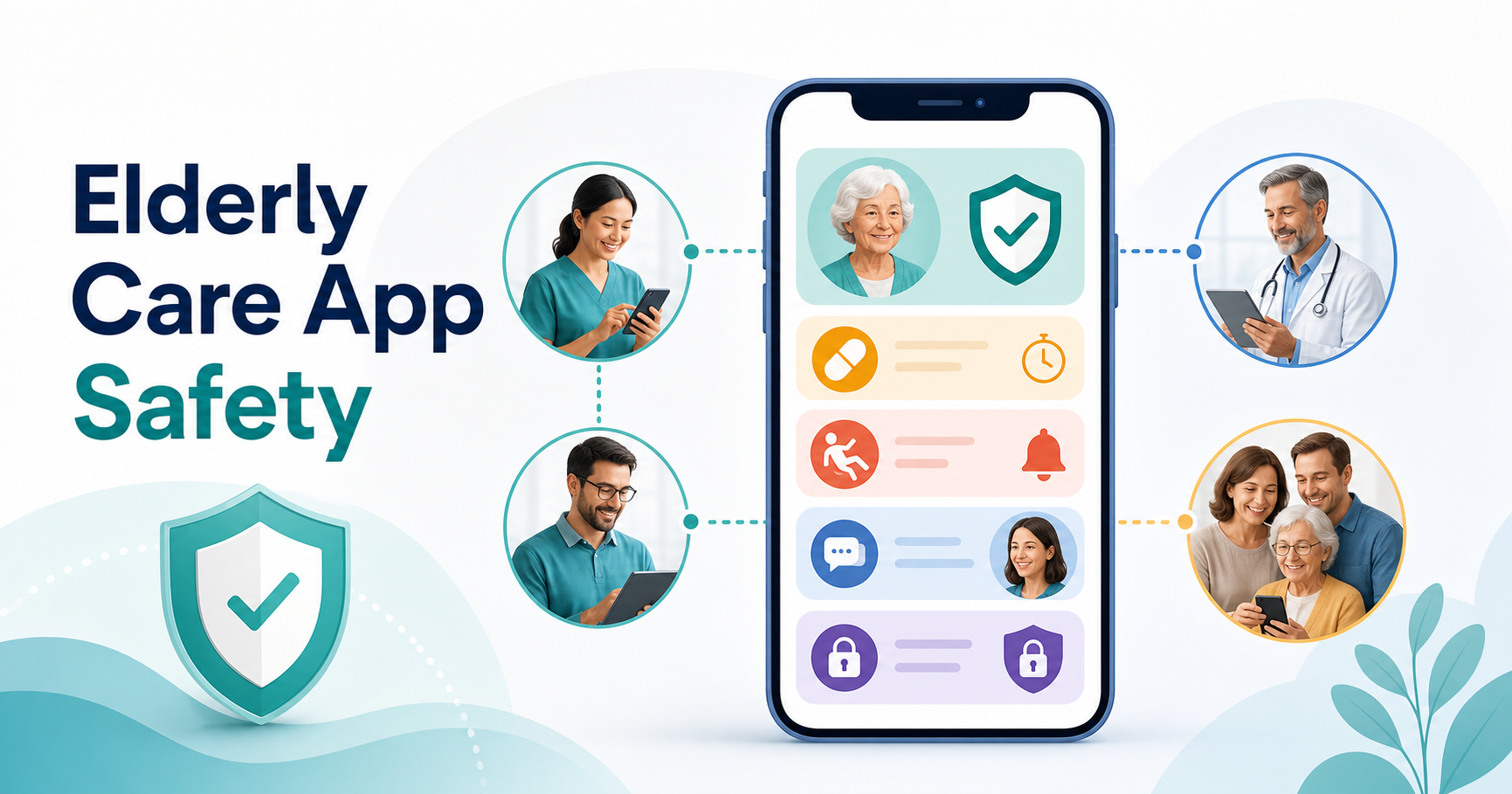

Elderly care apps are safest when they do more than store reminders. A dependable app should help caregivers notice risk early, coordinate family and professional support, protect sensitive health data, and make emergency action simple for seniors who may be stressed, tired, or confused.
For a founder or care provider, the practical goal is not to pack every possible feature into version one. The goal is to design a reliable care workflow, then build the smallest secure product that can support medication adherence, fall or inactivity alerts, caregiver communication, and clear escalation paths. If you are planning the budget and architecture for that kind of product, NextPage's guide to healthcare app development cost explains how compliance, integrations, and secure infrastructure affect scope.
What Makes An Elderly Care App Safe?
A safe elderly care app gives the right person the right information at the right time. That usually means seniors get simple prompts, caregivers get timely alerts, family members get shared visibility, and administrators get enough audit history to understand what happened.
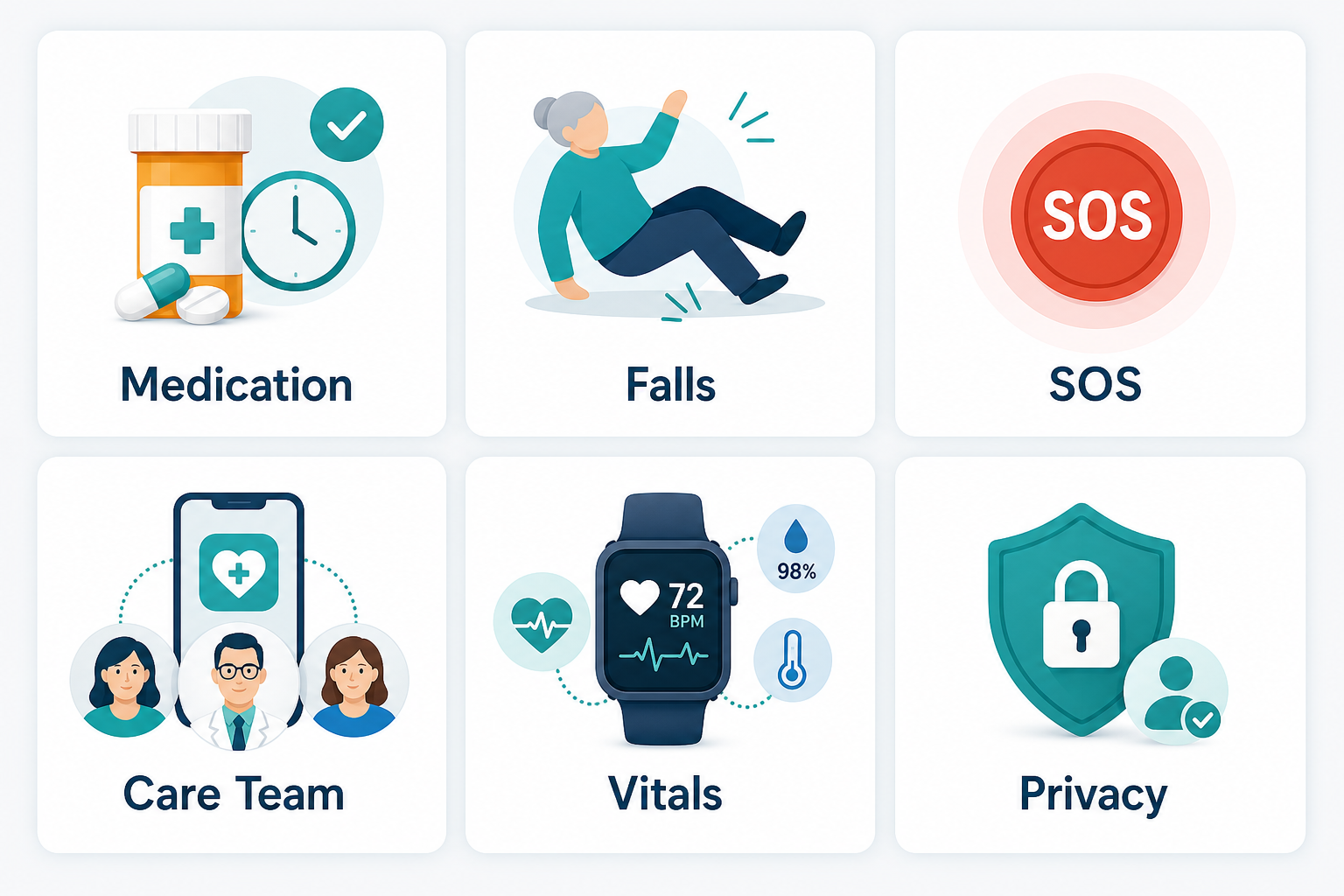
The strongest apps combine six capabilities: medication reminders, fall or inactivity detection, SOS alerts, care-team coordination, health tracking, and privacy controls. Each capability should be designed around the senior's daily routine, not around a generic feature checklist.
Medication Management Should Be Simple And Auditable
Medication reminders are often the first reason families look for caregiver apps. The feature needs to do more than send a push notification. It should support dosage schedules, refill reminders, missed-dose alerts, caregiver confirmation, and a history that can be reviewed when something goes wrong.
For seniors who take several medicines, the interface should avoid dense screens and tiny controls. Large tap targets, plain-language labels, voice-friendly flows, and predictable reminder timing make the feature more usable. Caregivers should also be able to update schedules without creating duplicate or conflicting reminders.
Emergency Features Need Clear Escalation Rules
SOS buttons, fall alerts, and unusual inactivity detection are useful only when the escalation path is clear. The app should define who gets notified first, what information is shared, when emergency services are contacted, and how false alarms are handled.
Location sharing, medical profile access, and emergency contact details should be available quickly, but they should not be exposed casually. A safer design uses role-based permissions and time-sensitive access so emergency data is available during a crisis without weakening everyday privacy.
Dementia Support Requires Routine, Location, And Low-Friction UX
Dementia care features should reduce confusion rather than add another system to manage. Helpful patterns include routine prompts, familiar photo-based contacts, simple daily check-ins, GPS-supported wandering alerts, and caregiver notes that help family members understand changes in behavior.
The product team should test these flows with caregivers and seniors early. A feature can look good in a product demo but fail when a tired caregiver needs to update a routine quickly or when a senior cannot remember a password. This is where experienced mobile app development decisions matter: accessibility, offline states, notification reliability, and device performance affect real safety outcomes.
Caregiver Coordination Prevents Missed Tasks
Many care gaps happen because several people assume someone else handled the task. Shared calendars, task assignment, care logs, secure messaging, and shift notes help family members and professional caregivers stay aligned.
The app should make ownership visible. Medication pickup, doctor visits, daily meals, mobility exercises, and check-in calls should have a responsible person and a status. For healthcare scheduling patterns, the article on key features for doctor appointment booking apps is a useful supporting reference because many elderly-care apps need similar booking, reminder, and rescheduling logic.
Privacy And Security Must Be Designed From The Start
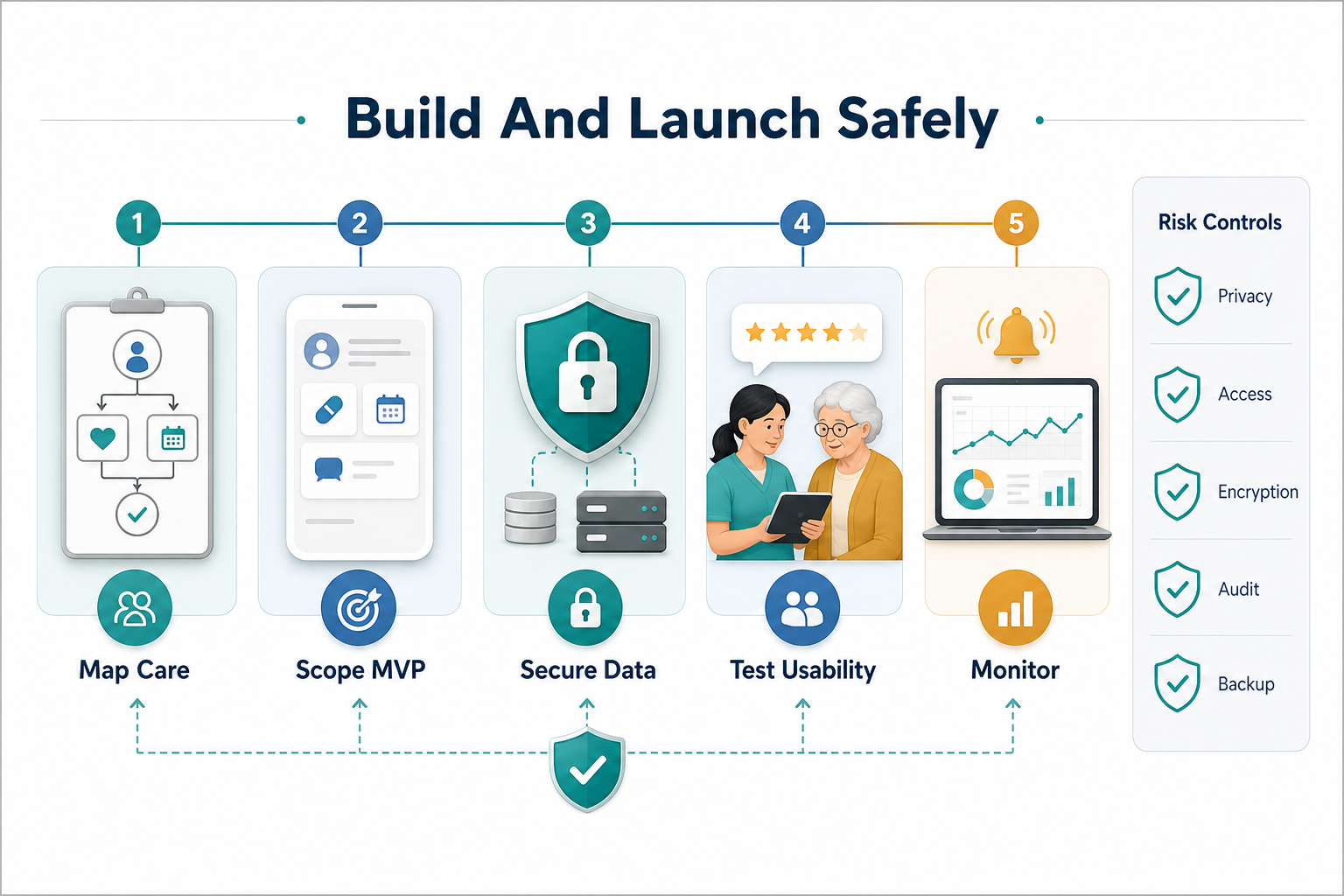
Elderly care apps often handle health notes, medication data, location history, family contacts, and sometimes payment or insurance details. Security cannot be treated as a late-stage polish item. The application should include encrypted transport, secure storage, account recovery rules, role-based access, audit logs, and clear consent flows.
If the app connects to health systems, pharmacies, wearables, or telehealth services, the architecture becomes more complex. Product owners should decide early which data is essential, how long it is retained, who can view it, and how access is revoked. For custom workflows that do not fit an off-the-shelf tool, NextPage's custom software development process helps map operational requirements before engineering begins.
Senior Living Research Features Should Support Decisions, Not Replace Judgment
Some caregiver apps include facility search, cost comparisons, virtual tours, reviews, and notes for evaluating assisted living or nursing home options. These features can help families organize research, but the app should avoid presenting a facility choice as purely algorithmic.
A better design lets families compare practical criteria: care level, location, budget, medical support, visiting rules, availability, and notes from in-person visits. The app can support the decision, but families still need direct conversations and professional advice before a major care transition.
Build The First Version Around The Highest-Risk Workflow
The safest elderly care app is usually not the one with the longest feature list. It is the one that handles the highest-risk daily workflow reliably. For one product, that may be medication adherence. For another, it may be fall detection, caregiver shift handoff, or family communication.
Before development starts, define the core users, care setting, alert rules, data model, integrations, and success metrics. Then plan the MVP around a small number of workflows that can be tested with real caregivers. NextPage's Custom Software Cost Estimator can help teams sanity-check budget, complexity, and timeline before scoping a full build.
Native Or Cross-Platform: Choose Based On Risk
Elderly care apps often depend on notifications, background location, wearable data, camera or document capture, and device accessibility settings. Those needs should guide the technical stack. A simple family coordination app may work well cross-platform, while a product with intensive device integrations may need deeper native investment.
The decision should be based on performance, maintenance, integration depth, and release speed. If your team is weighing that choice, NextPage's guide to native vs cross-platform mobile app development covers the tradeoffs in more detail.
Key Takeaways For Elderly Care App Teams
- Start with the senior's daily safety risks, then choose features that reduce those risks.
- Medication, emergency, coordination, health tracking, and privacy features should work together instead of living in separate screens.
- Caregiver burnout matters; shared ownership and clear communication reduce pressure on one person.
- Security, consent, and auditability should be part of the first architecture plan.
- Use real caregiver testing before launch because reliability and usability are safety requirements.
When the product is scoped around real care workflows, elderly care apps can improve independence for seniors and reduce uncertainty for families. The best version is focused, secure, and practical enough to be used every day.