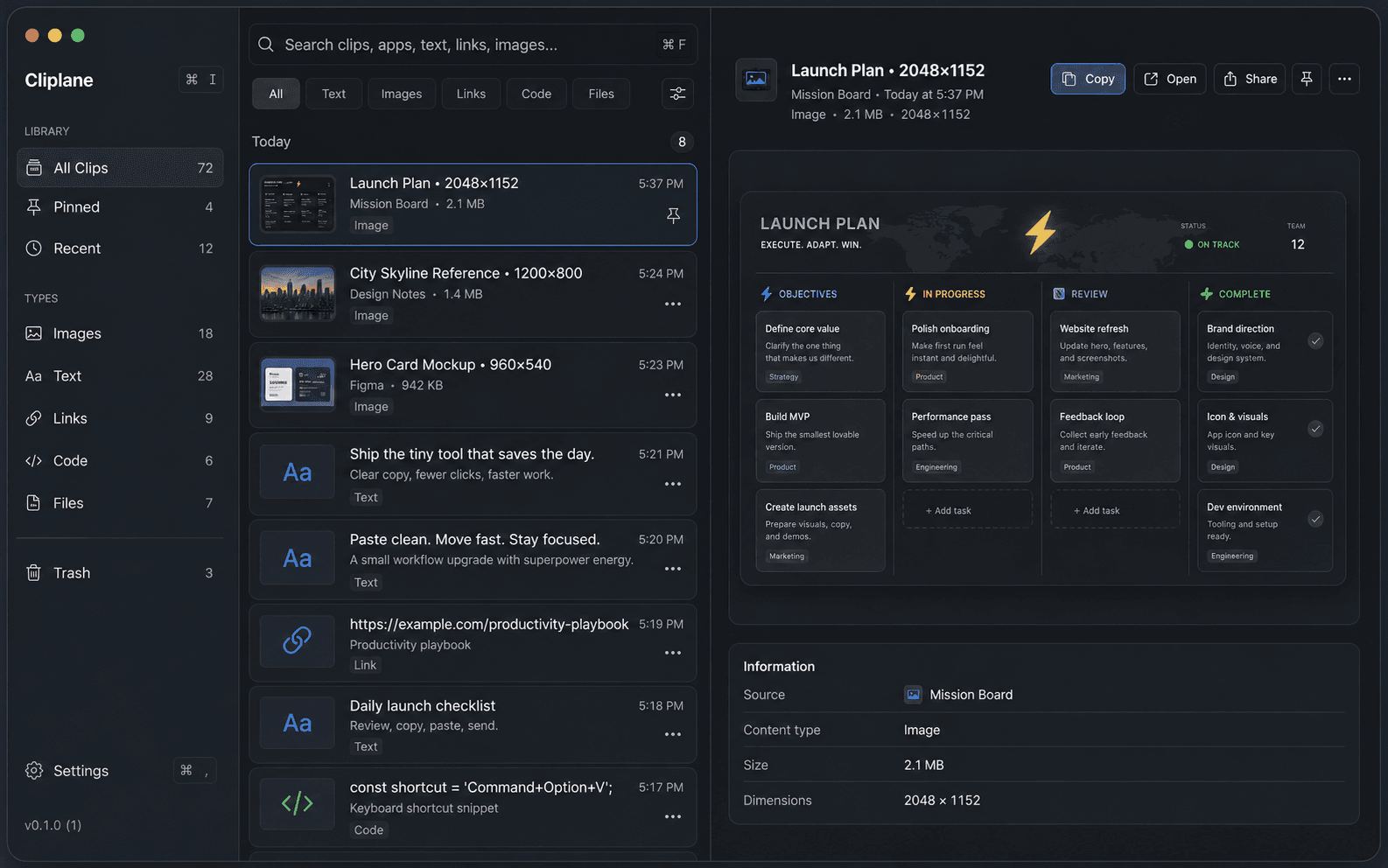
Find copied work fast
Search recent text, images, links, code, and file-list clips from a compact native Mac utility.
Free Mac clipboard download
Cliplane is a native clipboard history app for people who want to search, preview, combine, and reuse copied text, images, links, code, and files without sending clipboard history to an account or cloud workspace.
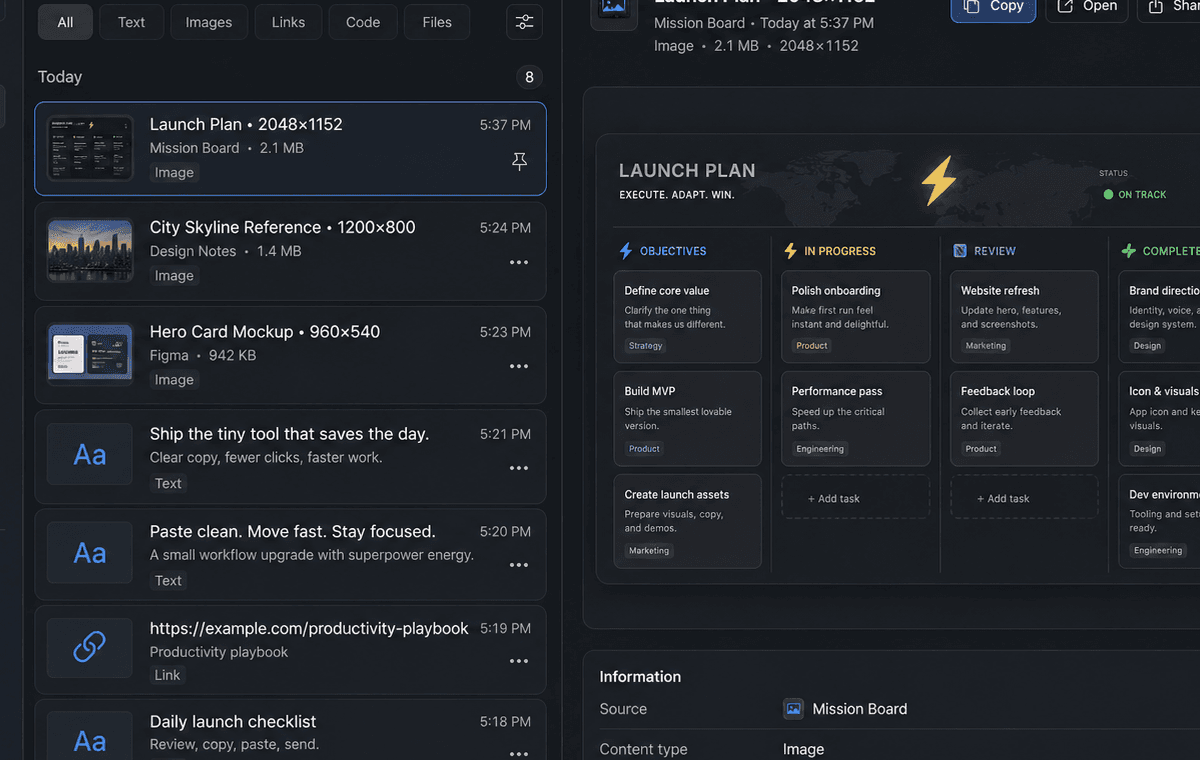
Download
Free DMG
7.3 MB
Requires
macOS 12.7+
Native Mac utility
Shortcut
Command+Option+V
Configurable
Storage
Local-first
No account required
What it helps with
If you are searching for a clipboard manager for Mac, the core job is simple: recover what you copied, reuse it quickly, keep sensitive apps out, and avoid a complicated database for everyday clipboard history.
Search recent text, images, links, code, and file-list clips from a compact native Mac utility.
Pin useful clips, copy them again, paste normally, or paste text without original formatting.
Use the menu bar icon or the configurable keyboard shortcut when Cliplane is running.
Install Cliplane, copy normally, then search and reuse recent clips from one native Mac workspace.
Find copied work
Cliplane keeps recent text, images, links, code, and file-list clips together so the thing you copied a few minutes ago is easier to spot and reuse.
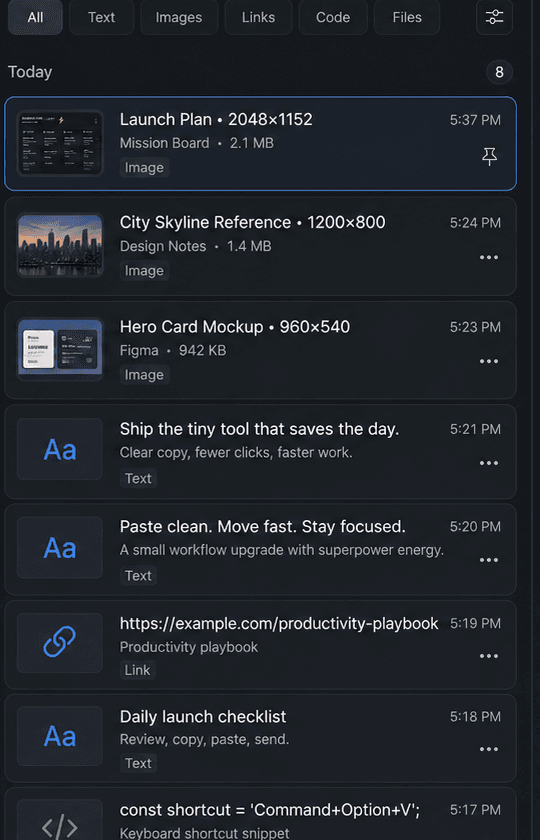
Preview before reuse
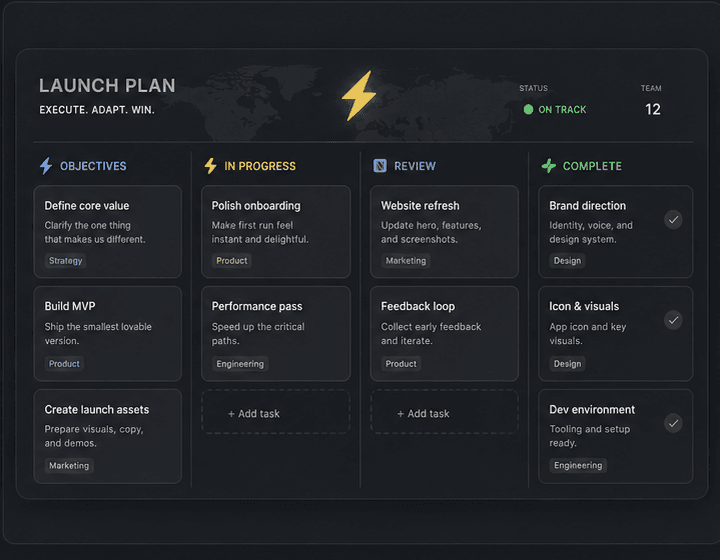
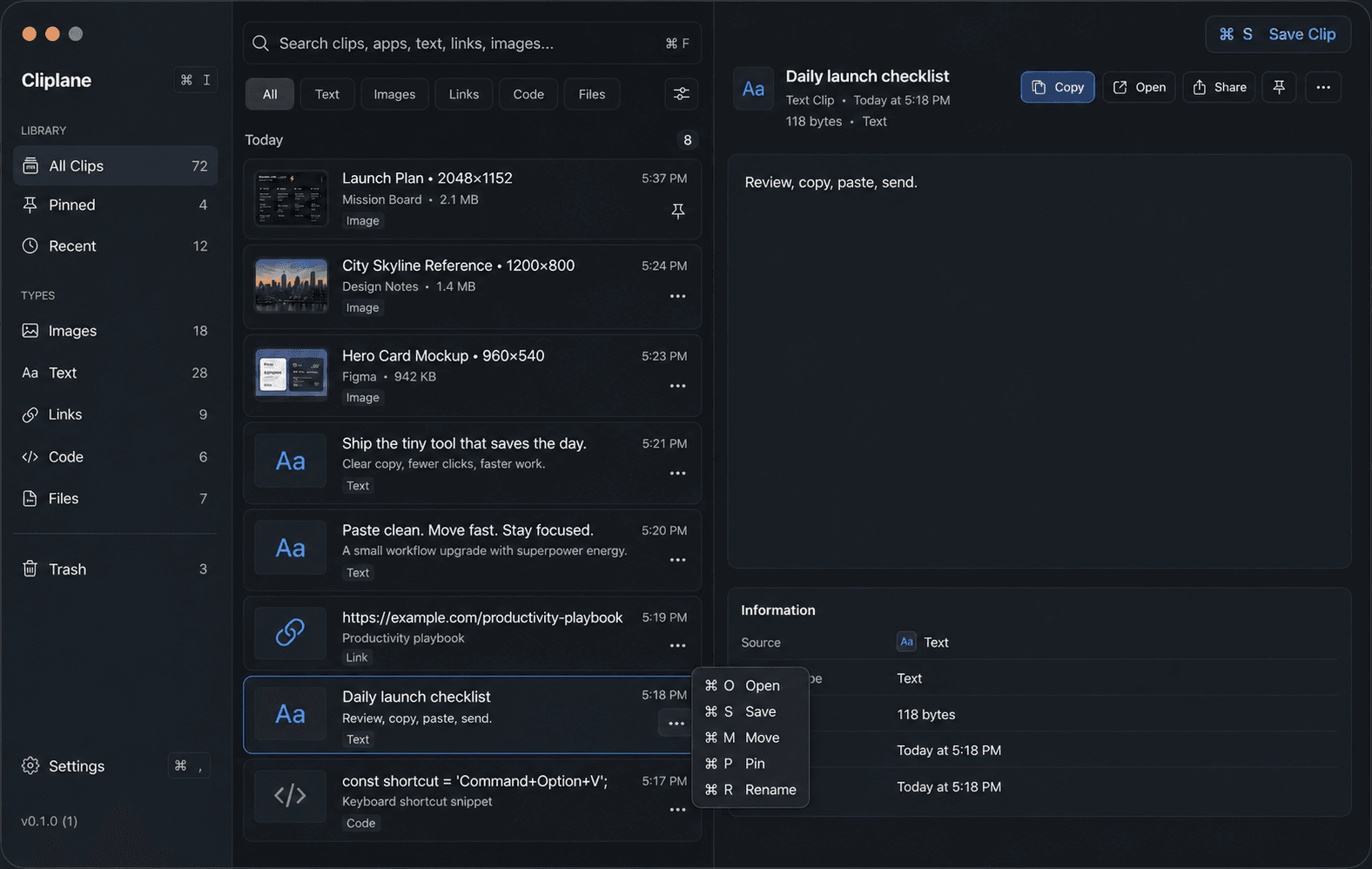
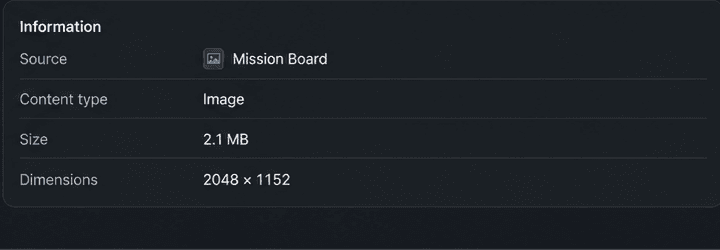
The preview panel gives selected clips more room, with quick actions and basic information such as source, type, size, and dimensions when available.
Keyboard clipboard manager
Cliplane is built for people who want a clipboard manager that stays fast from the keyboard. Open, save, move, pin, rename, copy, and paste selected clips without turning clipboard history into another app to manage.
Combine copied text
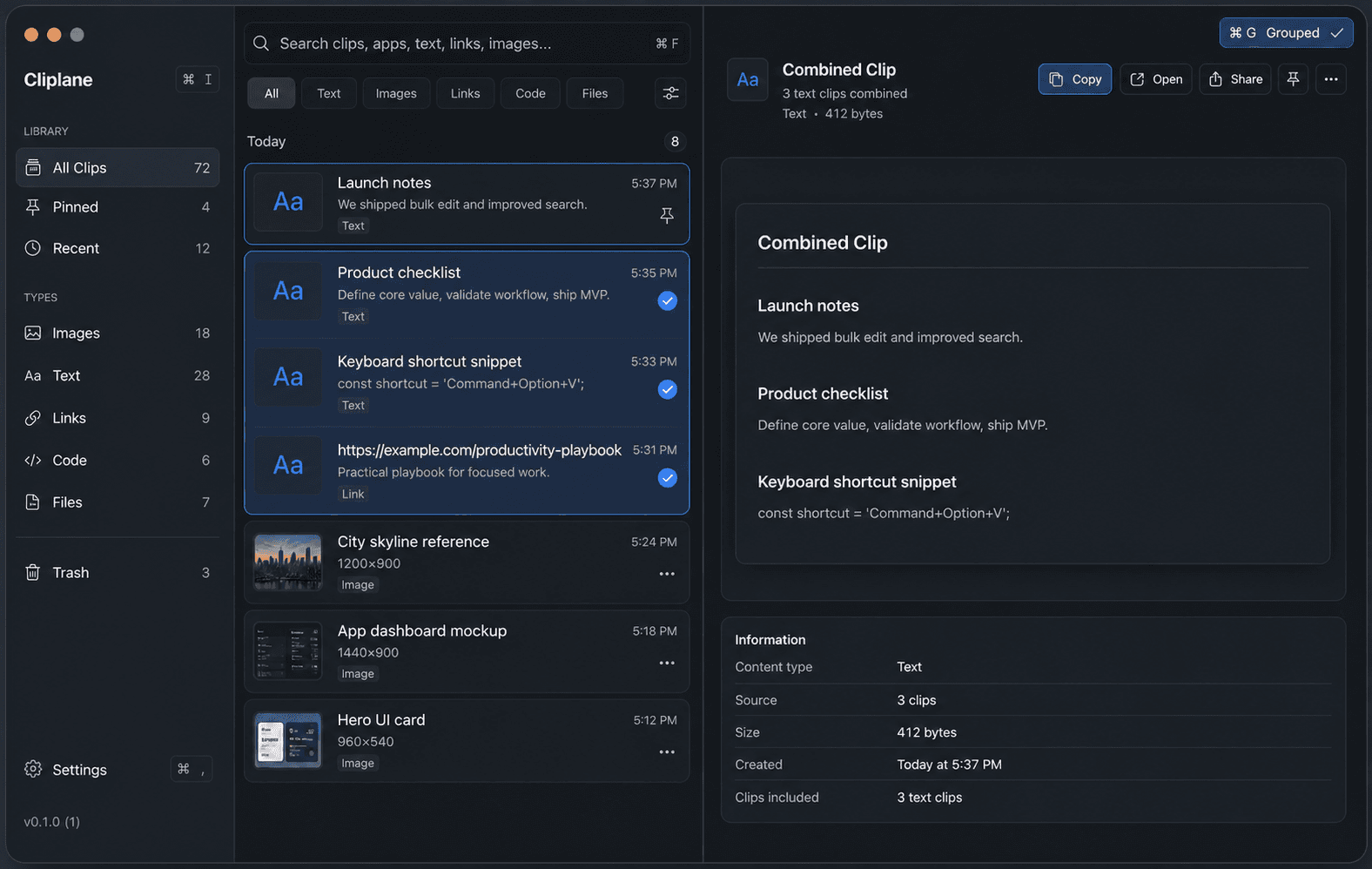
When recent clipboard history is part of the same response, checklist, prompt, or command, Cliplane can bring compatible text-like clips together so you can reuse the set without hunting through old windows.
Most clipboard manager searches start with the same frustration: copied text, screenshots, links, code, and file references disappear into the next copy. Cliplane keeps common clip types visible and searchable, with a compact native interface made for quick decisions.
Download NowKeep screenshots, mockups, references, and other copied images close to the work.
Reuse notes, drafts, snippets, and formatted text with plain-text paste available when needed.
Find URLs you copied earlier without digging through chat threads, browsers, or documents.
Keep small code snippets and commands searchable in the same clipboard history.
Track copied file-list clips from Finder and supported Mac workflows.
Find the copied item you need from Cliplane instead of returning to the app, chat, browser tab, or document where it started.
Open Cliplane with Command+Option+V, then copy, paste, pin, or delete without making the utility the center of your day.
A copied image, link, code snippet, or file list often needs a quick check before reuse. Cliplane keeps the selected item readable and pairs it with practical metadata where available, so you can copy, open, share, pin, or save the right clip.
We built Cliplane because we wanted a clipboard app that felt native, quiet, fast, and respectful of private Mac workflows.
Read the Cliplane privacy pageCliplane does not require cloud sync or an account for core clipboard history.
Clipboard payloads are protected locally with app encryption material stored through macOS Keychain APIs.
Diagnostics use operation names, statuses, counts, and safe metadata instead of raw clipboard text, image bytes, file names, or copied URLs.
Feedback email drafts include app, version, and macOS context, and explicitly do not attach clipboard history.
Desktop product from NextPage
The current public Mac build is available now as a direct DMG download. Review the install details, privacy notes, support path, and release notes whenever you need the extra context.