Core puzzle
Four Related Words
Find the connection, build each group, and complete the board.
NextPage Games
A mobile word-grouping puzzle
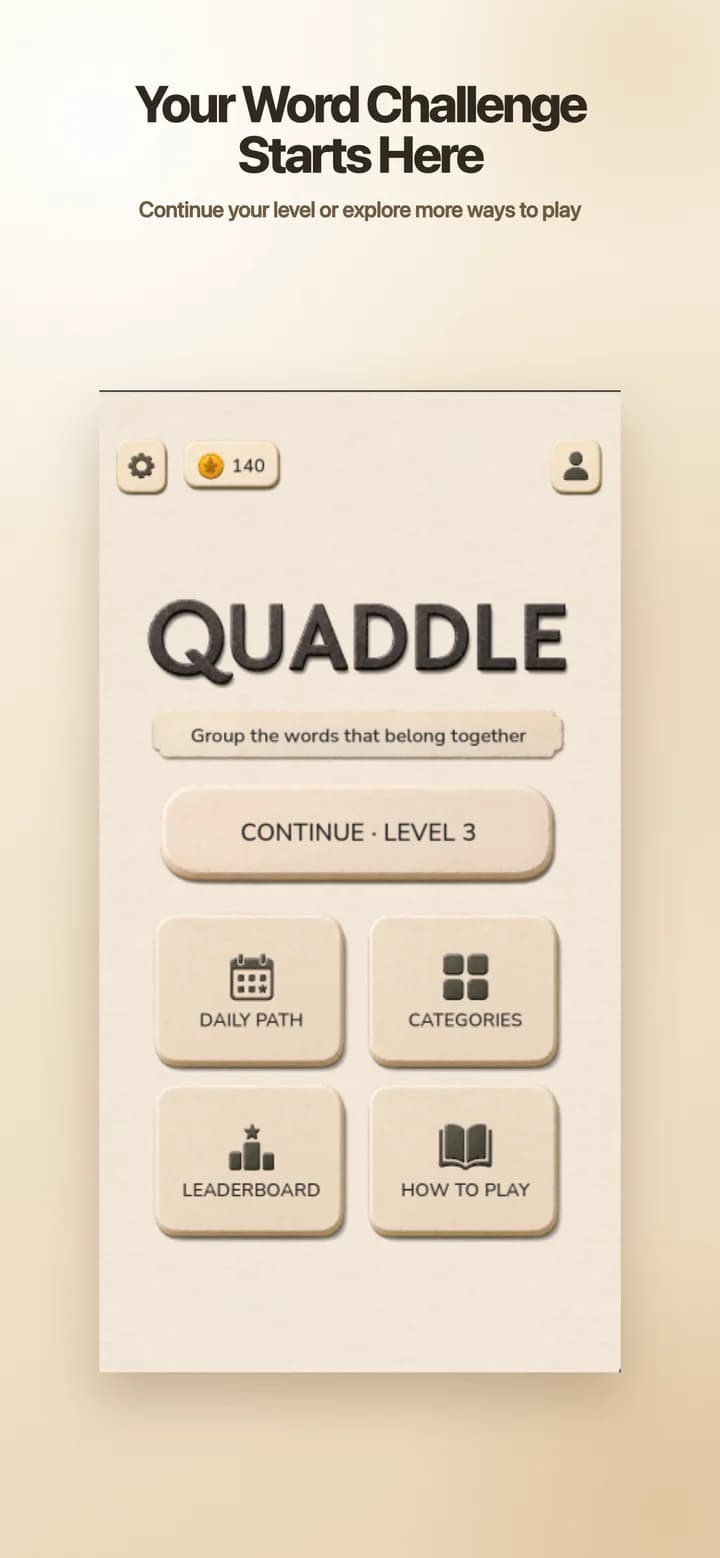
Quaddle is a mobile word-grouping puzzle where you find four related words, complete every group, and return for a fresh Daily Path challenge.
Core puzzle
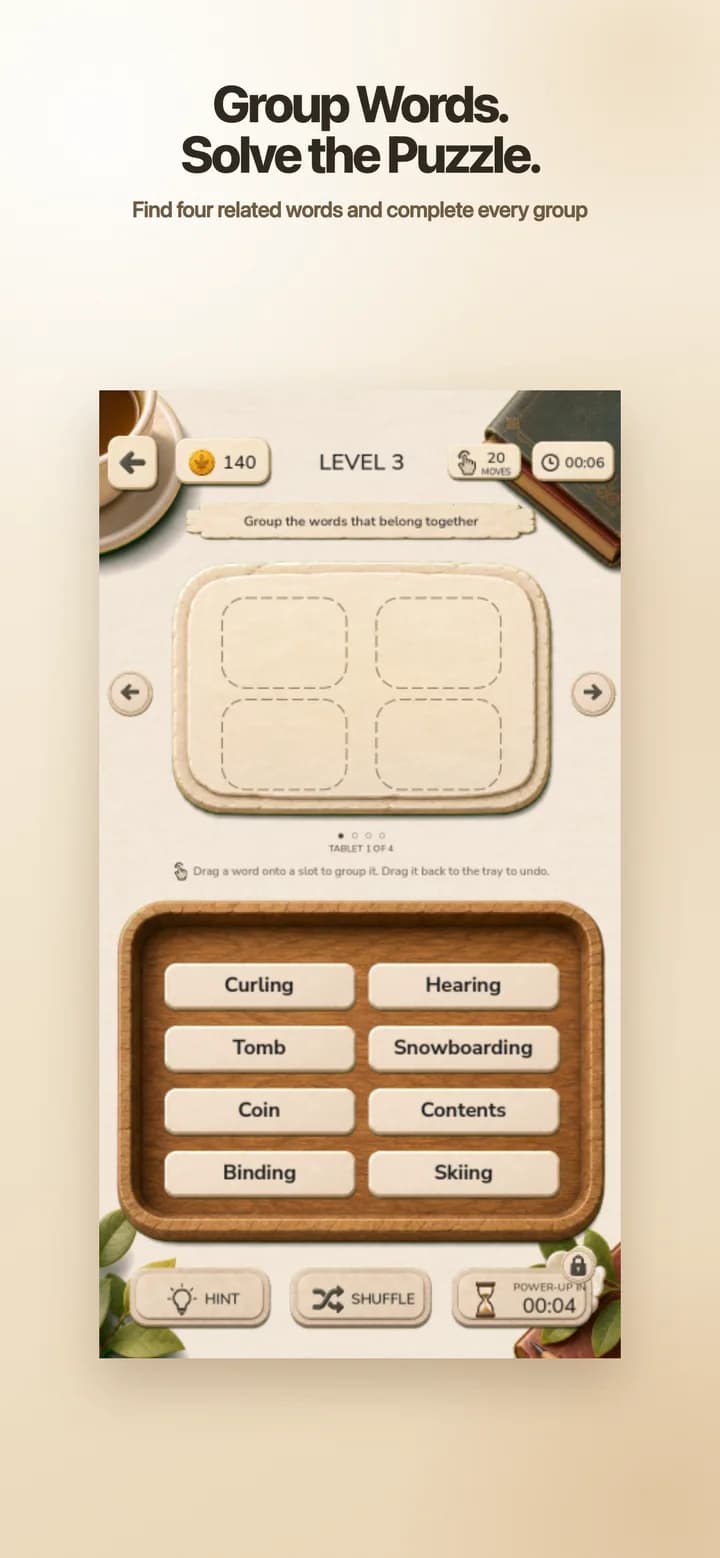
Find the connection, build each group, and complete the board.
Daily play
Follow dated challenges and return for today’s puzzle.
Your mix
Shape the regular puzzle catalog around the categories you enjoy.
Platforms
Play in your browser or download Quaddle from the App Store or Google Play.
How Quaddle works
Quaddle is a word association puzzle built around a simple question: which four words belong together? The challenge is finding every connection without letting a convincing decoy lead the group astray.
Scan the board for meanings, phrases, places, people, and shared themes.
Choose a connection that can explain every word in the group.
Move the words together and revise the set if one tile does not fit.
Solve each group to clear the board and move your progress forward.
Daily word puzzle
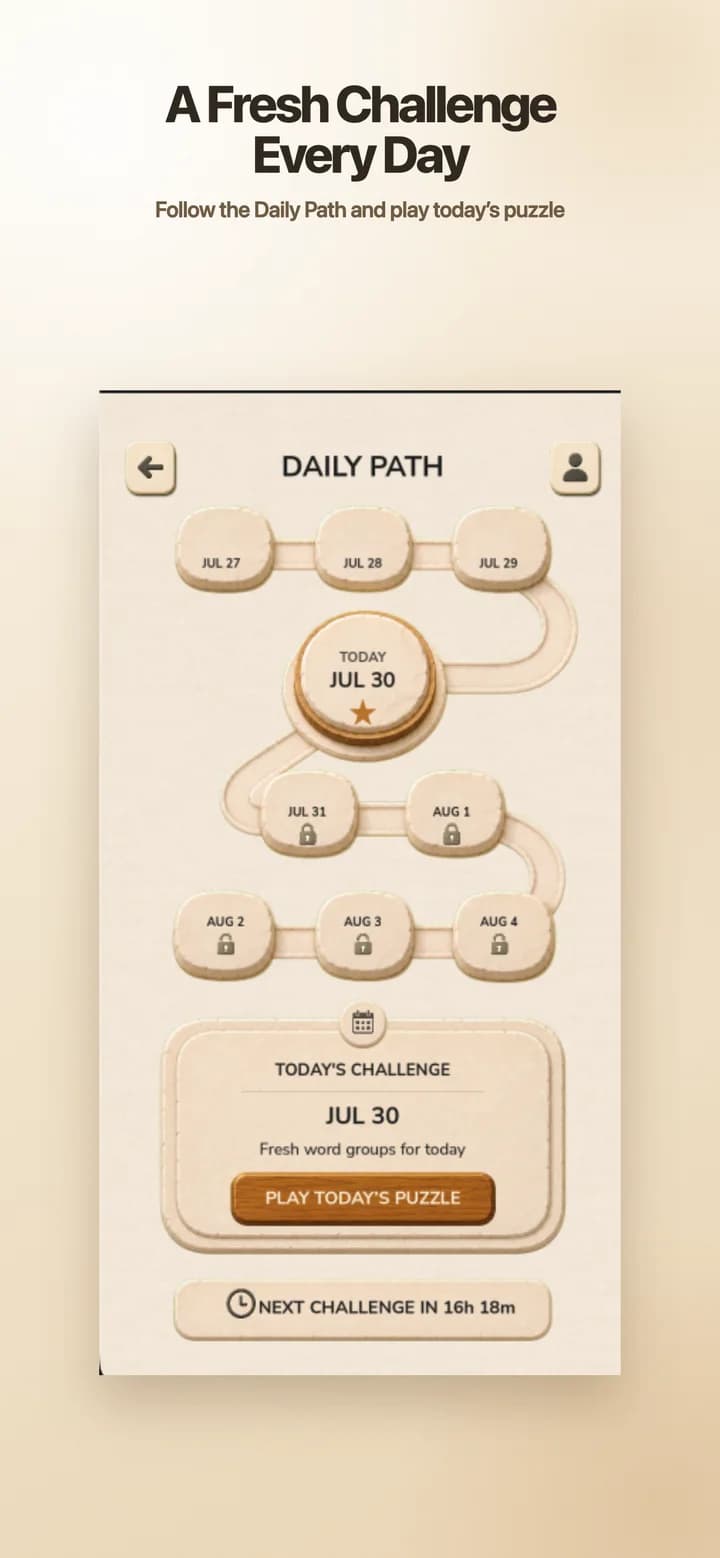
Daily Path turns each date into a clear next stop. Open today’s challenge, solve the word groups, and see completed dates become part of your path.
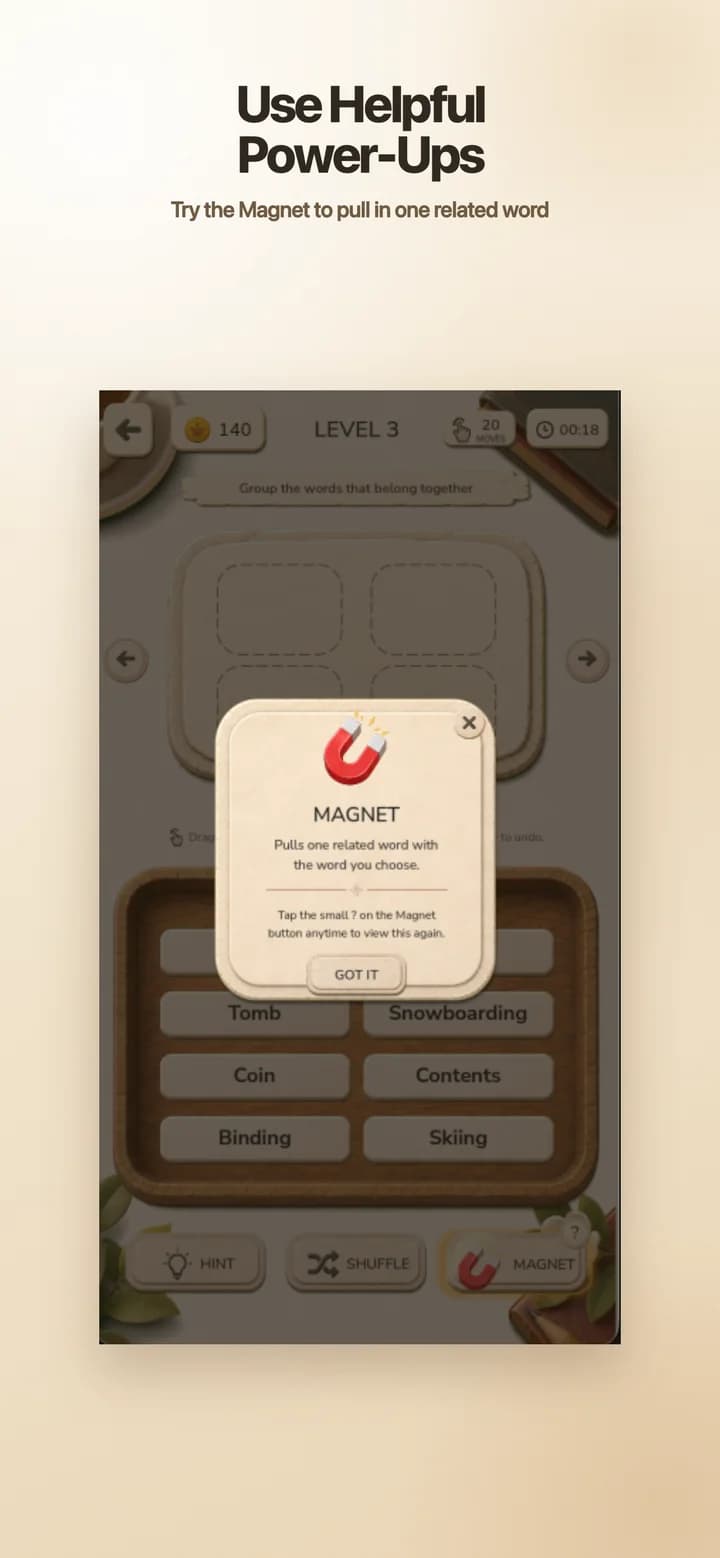
Helpful power-ups
When one connection will not come together, the Magnet can pull one related word into the right direction. It helps you move again while leaving the rest of the grouping work to you.
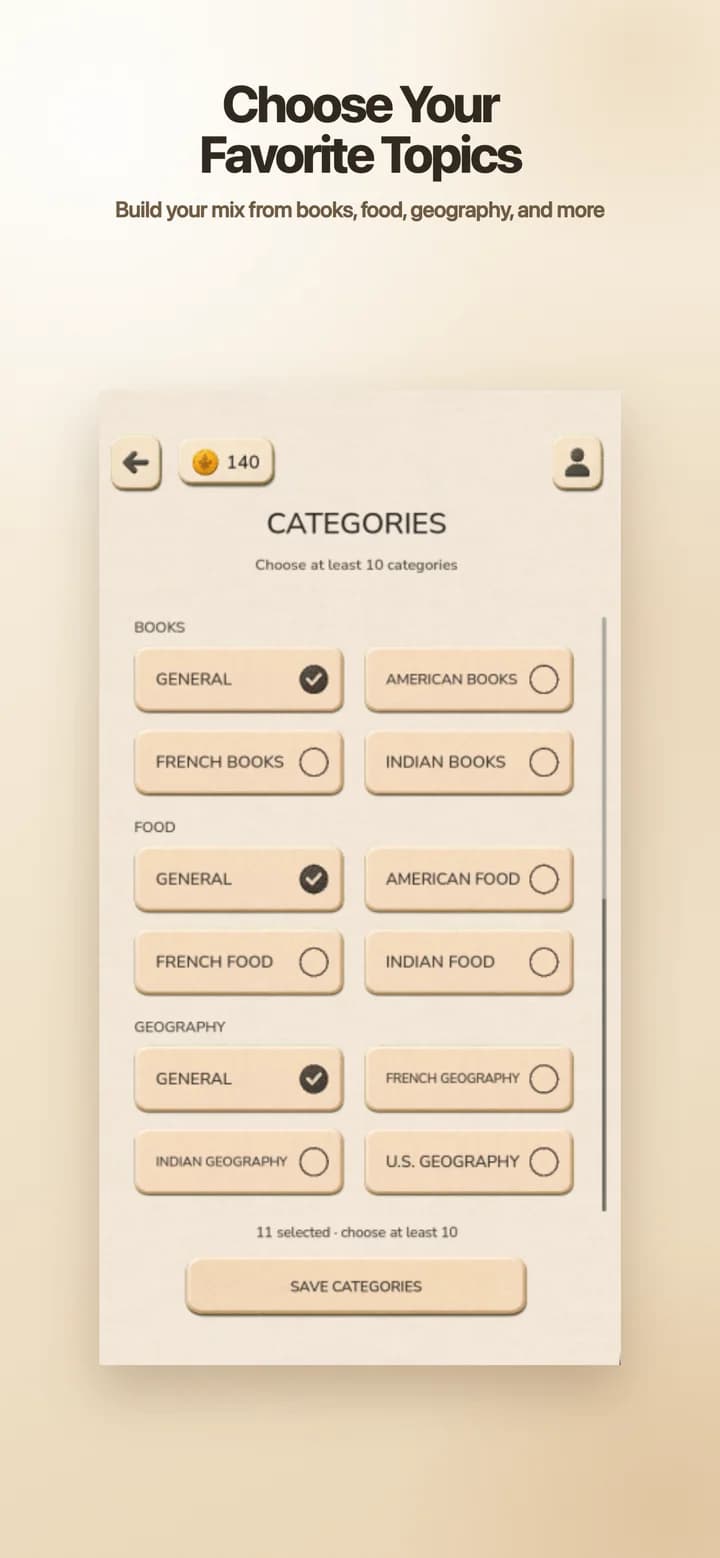
Topic preferences
Choose from available topics such as books, food, and geography. Quaddle uses those preferences when preparing regular puzzles, so the challenge can feel broad without feeling random.
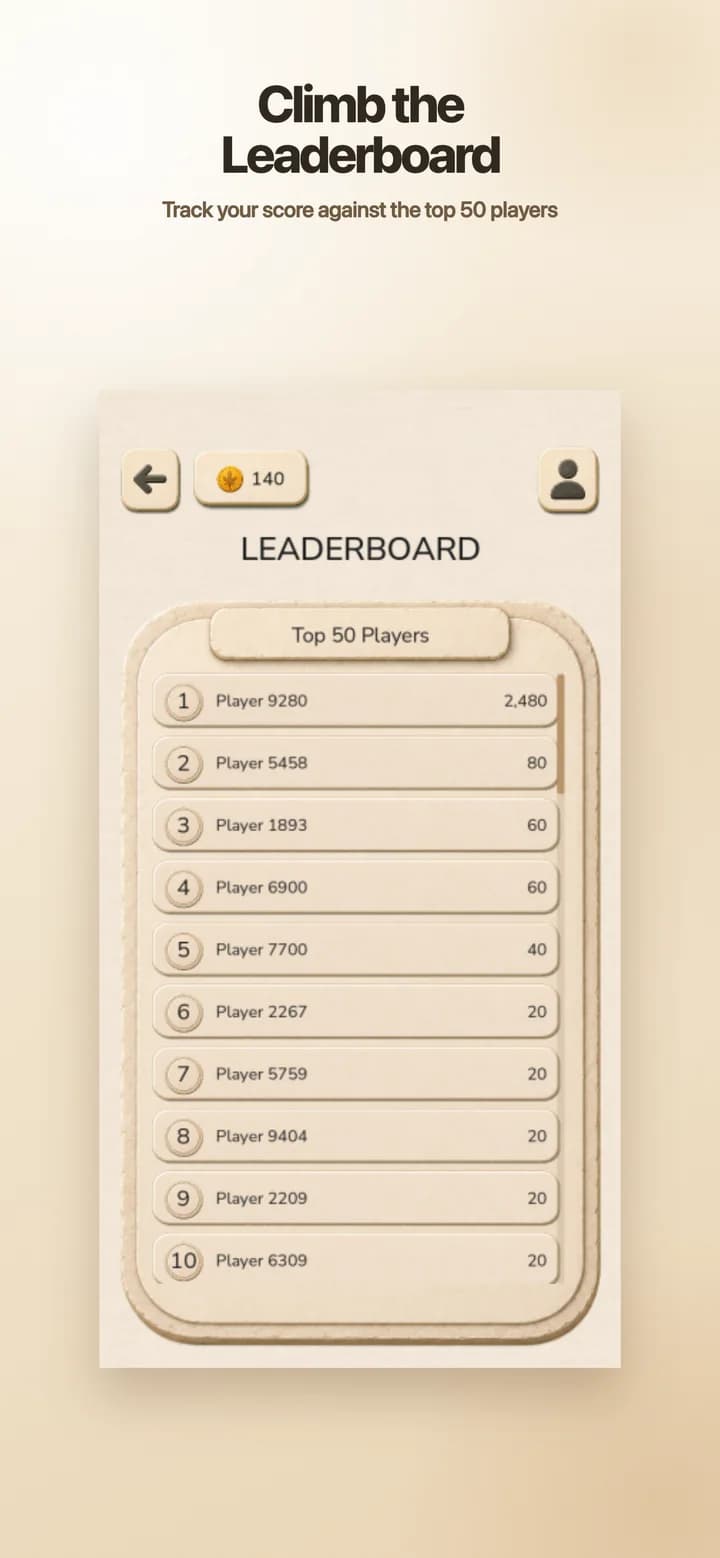
Score and profile
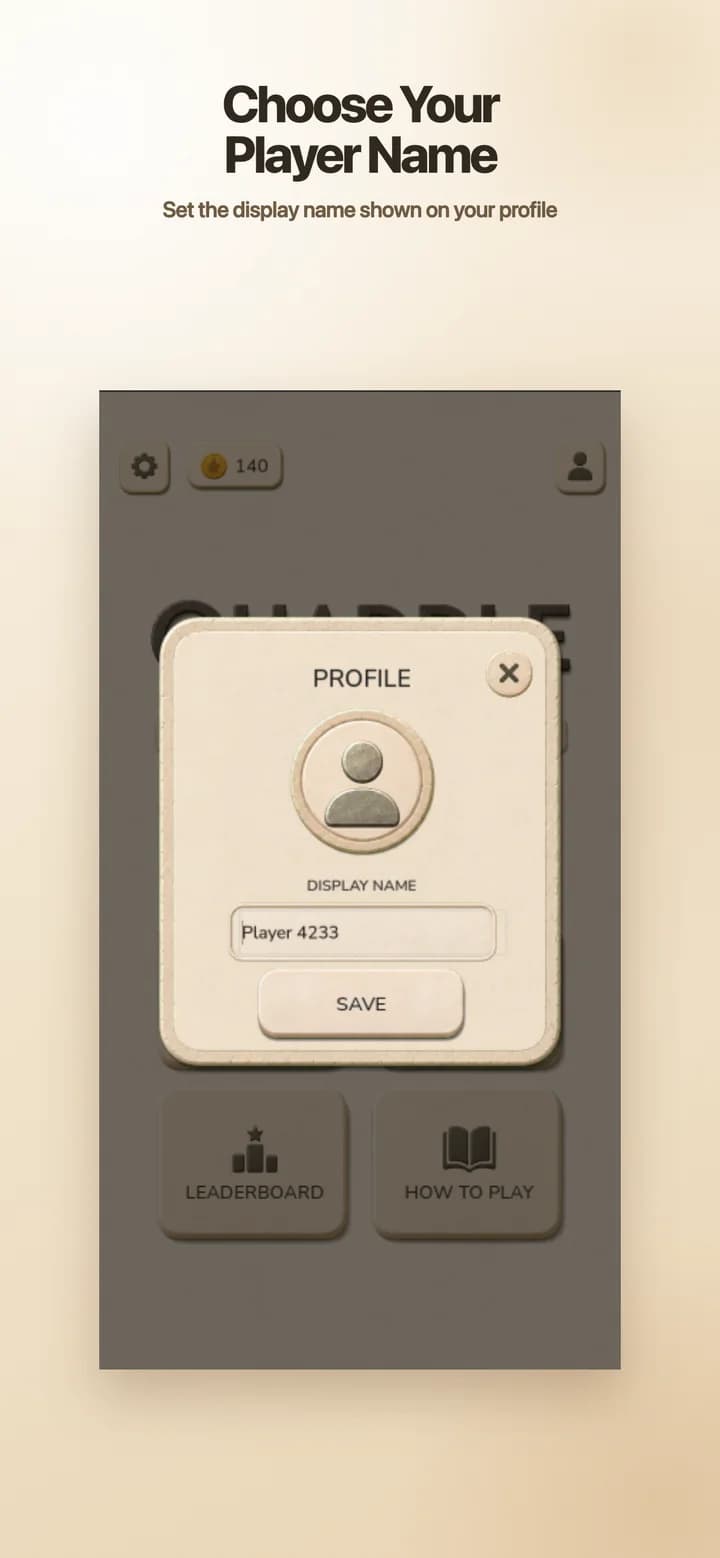
A live leaderboard turns completed puzzles into a friendly point of comparison. Choose a display name, review the top players, and keep building your lifetime score.
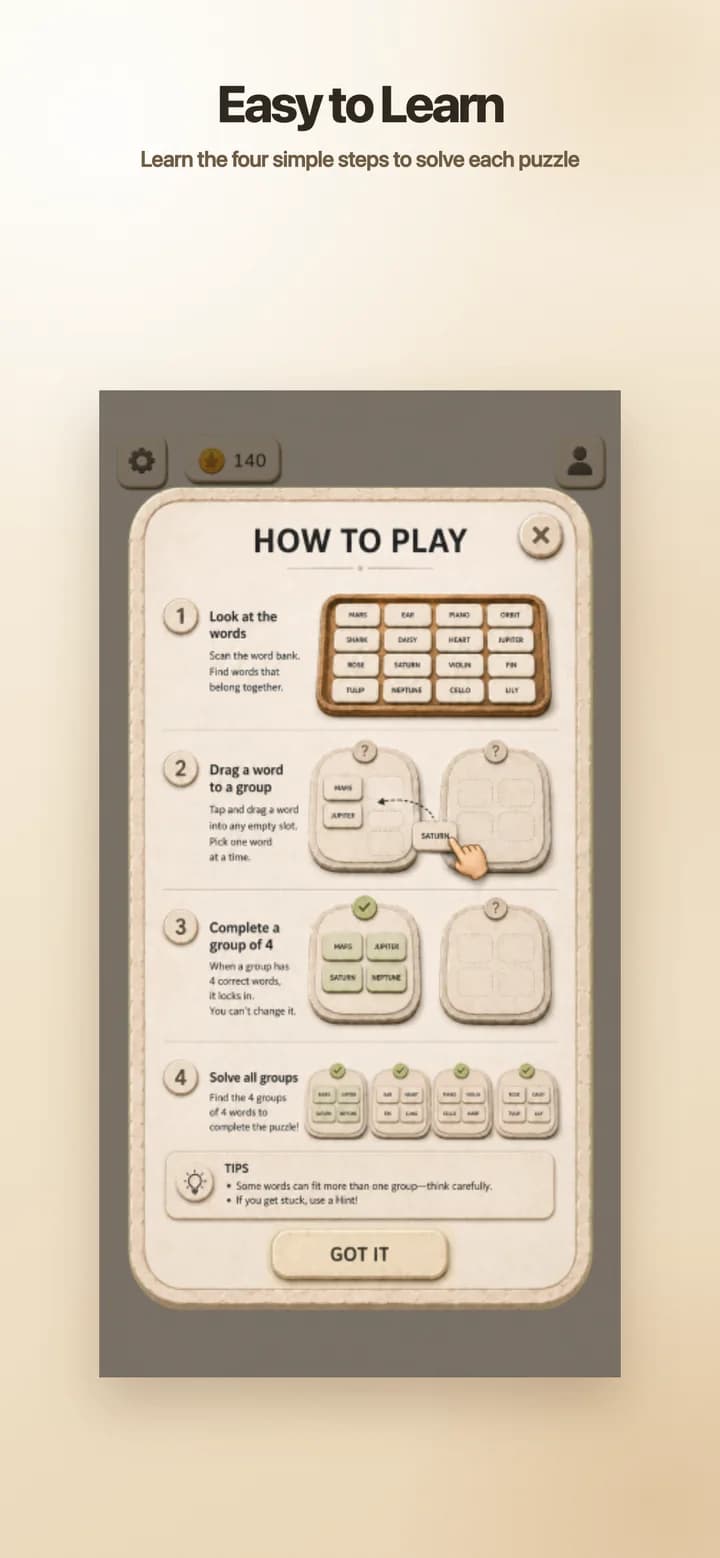
A four-step guide explains the full grouping loop, while the profile gives your leaderboard progress a recognizable player name. You can revisit both from the Quaddle home screen.
Quaddle stores settings and progress on your device while using online services for published puzzles, Daily Path, category preferences, player profiles, display names, reward rules, and leaderboard results.
Read Quaddle PrivacyQuaddle stores settings and play state needed to continue, including score, level progress, Daily Path completion, selected categories, and player-profile references.
The game connects to NextPage-operated services for published puzzles, Daily Path, category preferences, player profiles, display names, and leaderboard results.
A generated installation identifier is used to prepare and protect the guest-style player profile associated with that installation.
The current player profile is not presented as a password-based account that can automatically move between devices or be recovered after local data is removed.
Quaddle is a mobile word-grouping puzzle. You look for connections between word tiles, place four related words into a group, and complete every group to solve the board.
Review the word tiles, drag a word into a group, add three words with the same connection, and repeat until all four groups are complete. Shuffle, Hint, and available power-ups can help when you get stuck.
Yes. Daily Path presents a dated challenge and tracks completed dates with the player profile when the game can reach Quaddle services.
Yes. The Categories screen lets you select from available topic families, including books, food, and geography, for regular puzzle preparation.
The Magnet pulls one related word toward the group you choose. It reveals one useful relationship without completing the entire puzzle for you.
Yes. Quaddle can show ranked player display names and lifetime scores. Loading rankings and submitting eligible score progress require a connection.
Play Quaddle in your browser, download it from the App Store for iPhone and iPad, or get it on Google Play for Android.
Play Quaddle in your browser, or download it for iPhone, iPad, and Android.