
Quick Answer
A QR code asset tracking system connects a physical label to a durable digital identity and a controlled workflow. The QR code is the easy part. Trust comes from validating the current asset state, user permission, intended action, location, timestamp, evidence, connectivity, and resulting audit event.
For a system tailored to your asset states, custody rules, integrations, and field devices, start with custom asset management software development.
Reference Architecture
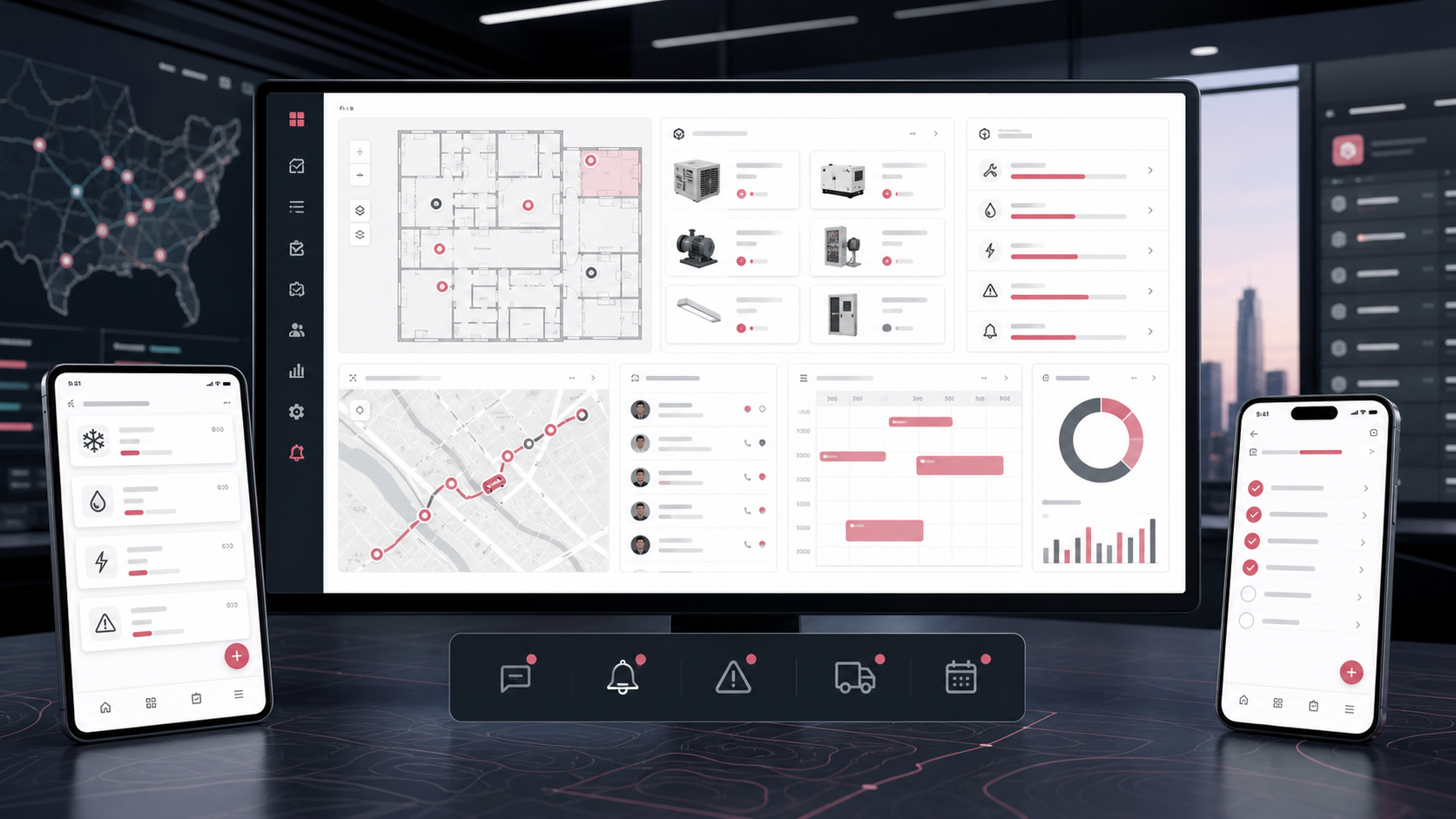
A practical system has five layers: label and identifier; mobile or scanner client; API and authentication; asset, transaction, and audit data; and integrations or reporting. Treat scans as commands or evidence, not direct database edits.
| Layer | Responsibility | Failure To Plan For |
|---|---|---|
| Label | Stable identifier and human-readable fallback | Damage, duplication, replacement |
| Scanner | Resolve code and capture intended action | Poor camera, wrong app, no connection |
| API | Permission, validation, idempotency, response | Repeated or conflicting submission |
| Data | Asset state, custody, transaction, audit | History overwritten by current values |
| Integration | ERP, CMMS, identity, IoT, reporting | Ownership conflict and sync failure |
Identifiers And Labels
Put an opaque, stable identifier in the code rather than sensitive details or a mutable location. The server should resolve the identifier to the permitted asset view. Add a short printed ID so staff can search when a label will not scan. Define label material, size, placement, environmental resistance, printing, replacement, and retirement.
Never let a public QR URL reveal confidential asset data. Authentication and authorization should remain server-side. If unauthenticated reporting is useful, expose a narrow action such as “report found equipment” without showing ownership, value, or internal history.
Design Scan Workflows
List the action after each scan: view, verify, check out, return, transfer, inspect, report damage, attach a file, open a work request, or count inventory. Every action needs required data, permission, confirmation, validation, success evidence, and a recovery path.
- Prevent an asset already checked out from silently being issued again.
- Warn when a scan would create a duplicate work order.
- Confirm the destination before a transfer is committed.
- Capture reason, condition, photo, signature, or file only where it changes a decision.
- Use idempotency so retries do not create duplicate transactions.
A mobile field app can use the device camera, while high-volume stores may need rugged scanners or rapid batch modes.
Custody And Lifecycle
Do not represent history only through current owner and location fields. Store checkouts, returns, moves, assignments, status changes, and transfers as transactions. This supports accountability and lets the current state be rebuilt or audited.
Define what happens when equipment is leased, sold, retired, lost, written off, or disposed. The asset can become inactive while permitted files, maintenance events, usage, and transaction history remain available. The NDA-safe OpsLink asset and facility case study demonstrates this broader connection between asset records and field operations.
Offline And Error Handling
Offline support is a product decision, not a checkbox. The client needs a local queue, visible pending state, retry policy, conflict rules, and a way for users to repair failed submissions. Record when the action occurred and when it synchronized. Avoid claiming success before the server accepts a state-changing transaction unless the UI clearly marks it pending.
Test damaged labels, duplicate scans, stale cached state, two users acting on the same asset, missing permission, expired session, partial uploads, clock differences, and a connection dropping after submission.
Integrations And Security
Decide which system owns asset identity, procurement, financial value, maintenance, people, location, and status. Integrations should handle replay, monitoring, reconciliation, and manual correction. Common connections include ERP, CMMS/EAM, identity, HR, procurement, finance, IoT, telematics, and data warehouses.
Use least-privilege roles, encrypted transport, secure token storage, server validation, audit events, retention rules, and protected administration. QR codes are visible by design; security must not depend on the code remaining secret.
Rollout Plan
- Profile and clean the asset inventory.
- Choose one site, team, or lifecycle workflow.
- Print and test labels in the real environment.
- Train users on both the standard path and exceptions.
- Reconcile physical counts against imported records.
- Monitor scan failures, duplicate actions, unresolved sync, and support requests.
- Expand only after identifier and transaction quality are stable.
Measure adoption with completed workflows and corrected data, not raw scan count. A scan that opens the wrong record quickly is not progress.
FAQs
How does a QR code asset tracking system work?
A QR label carries a stable identifier. A mobile app or scanner resolves it through an authenticated API, validates the user and current state, records an action, and preserves an audit event.
Should a QR code contain asset details?
Usually no. Use an opaque identifier or controlled URL and resolve permitted details on the server so mutable or sensitive information is not printed into the label.
Can QR asset tracking work offline?
Yes, but it requires explicit pending states, a local action queue, secure storage, retries, conflict handling, idempotency, and user-visible repair for failed synchronization.
What is the difference between QR tracking and barcode tracking?
Both can identify assets. QR codes can store more data and scan from varied angles, while one-dimensional barcodes may suit existing scanners and high-volume processes. Workflow design matters more than the symbol choice.